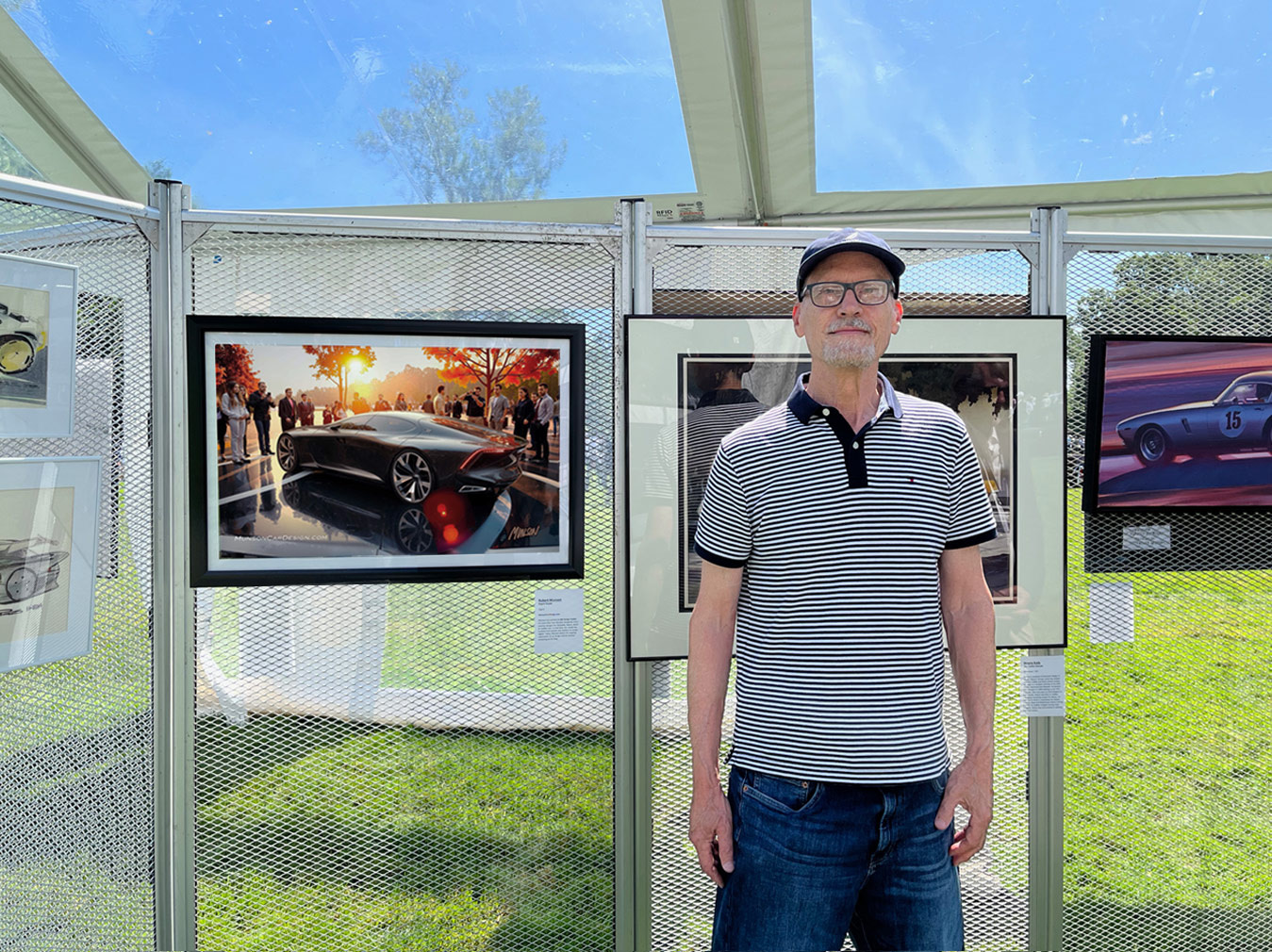
I was profoundly inspired by “BAD DESIGN, GOOD DIRECTION: A New Way of Working with AI” by Reza Bird (https://youtu.be/P-15W8x4Y8o). In the video, Reza demonstrates a refreshingly original way of guiding Vizcom’s AI—treating it less like a tool that executes commands and more like a creative partner that responds to direction.
Reza is a filmmaker, writer, and creative director, and the founder of NXT ANIMAL—a creative video agency and digital publication exploring the intersection of AI, design, and storytelling. Over the past five years, he has worked closely within AI and VR development, collaborating with the teams building these transformative tools. You can follow his work at: https://www.nxtanimal.blog/
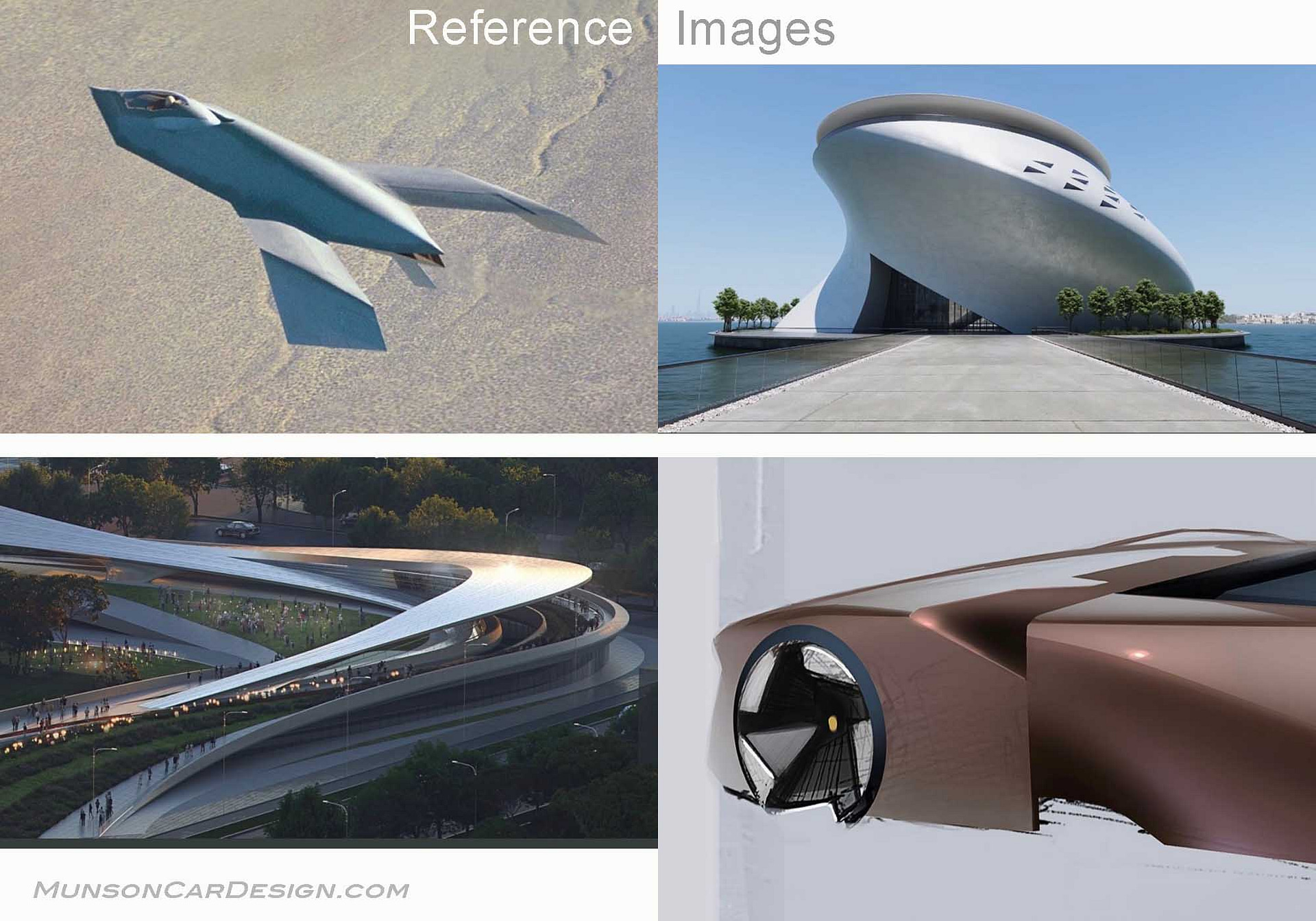
Inspired by his approach, I developed the concept in this post entirely within Vizcom—without starting from a sketch, which is my usual process. Instead, I began with four reference images. Only one depicted a partial, deconstructed car fender; the others featured architecture and a jet fighter.
Using combinations of four images at a time, I generated concepts in the Workbench using the Modify block, continuously refining my prompts to guide the AI toward my intended direction. (You can connect up to four reference images to Modify by clicking the plus sign on an image and dragging it into the block—where the connected images will then appear.)
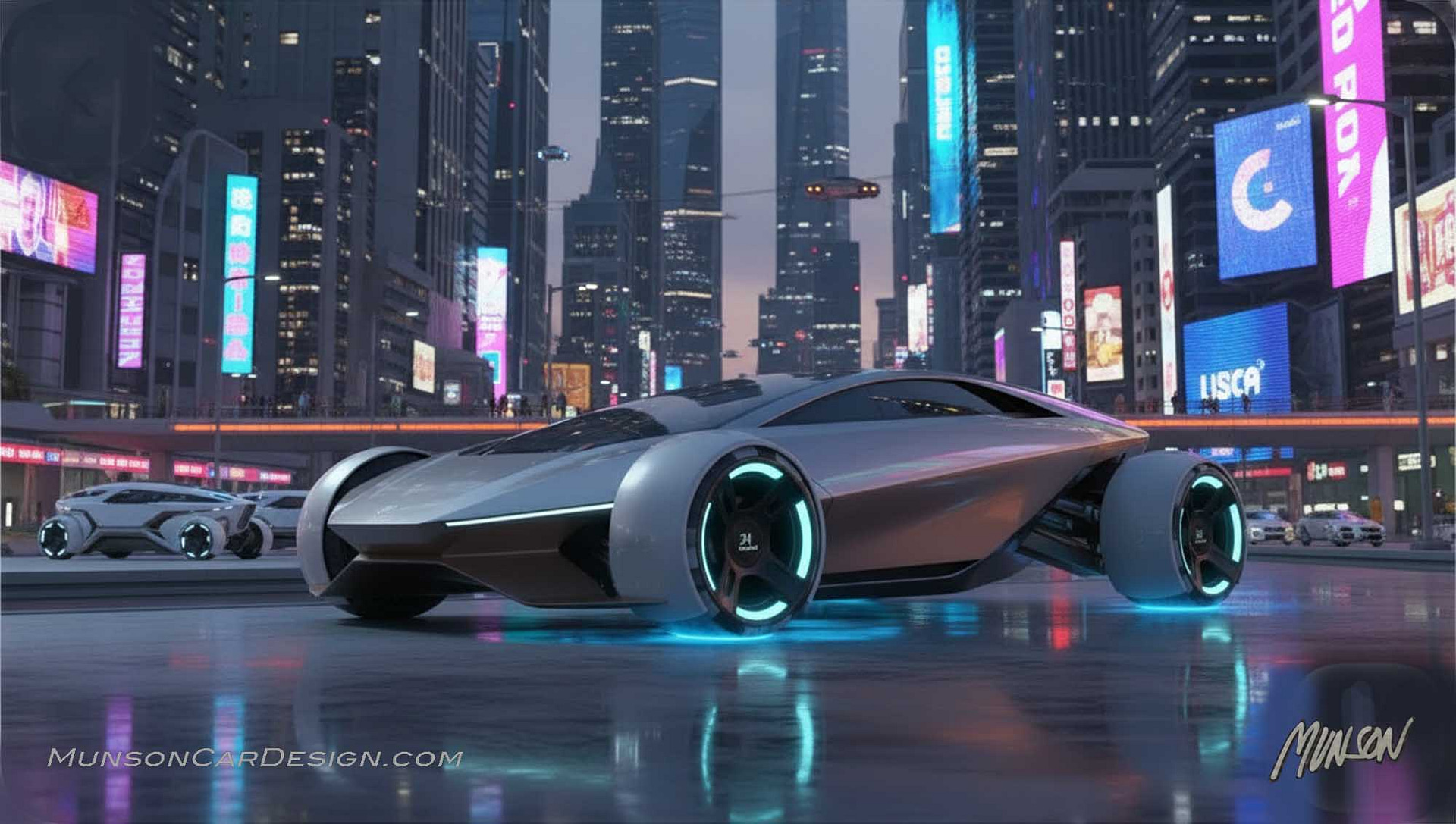
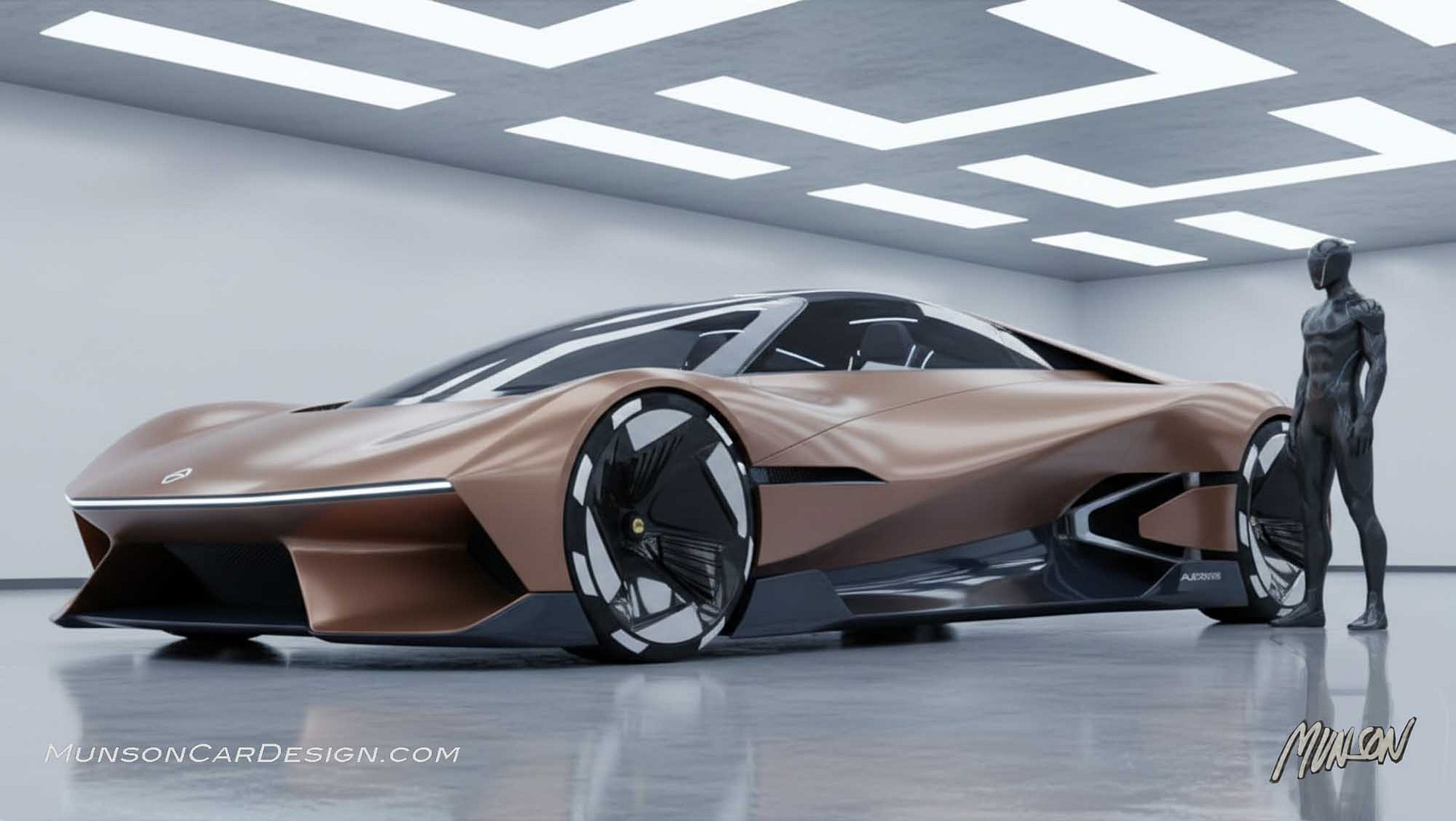
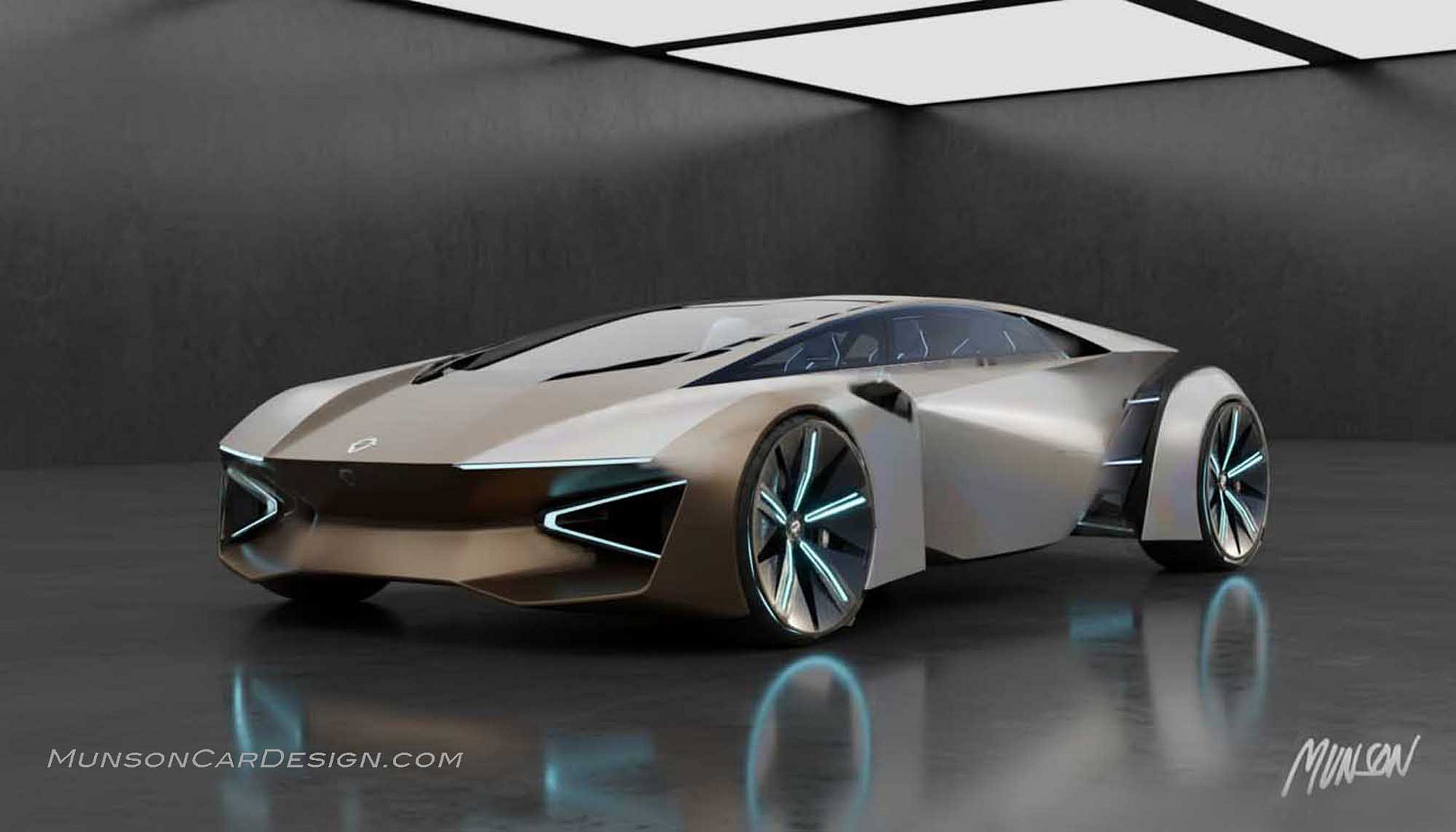
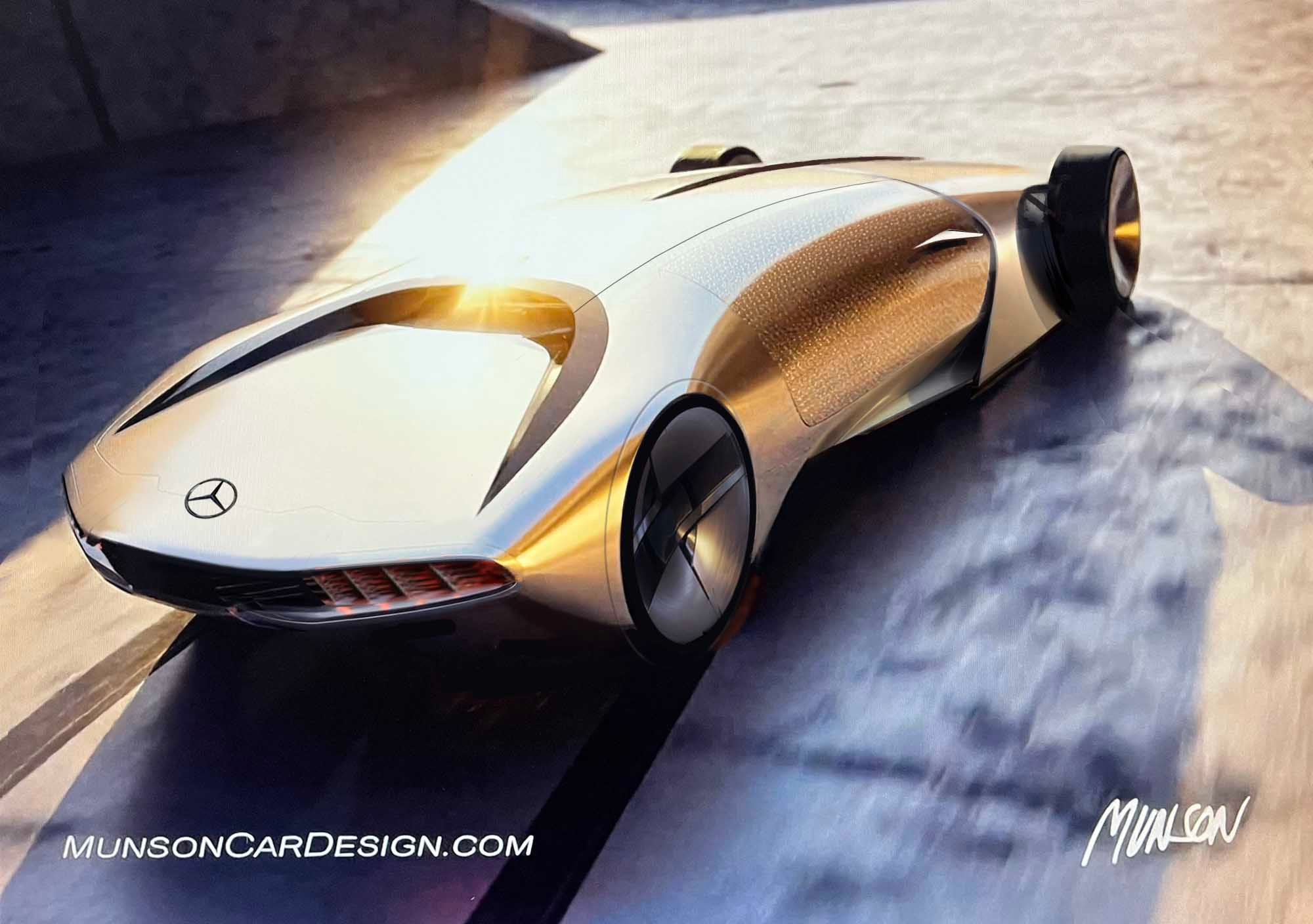
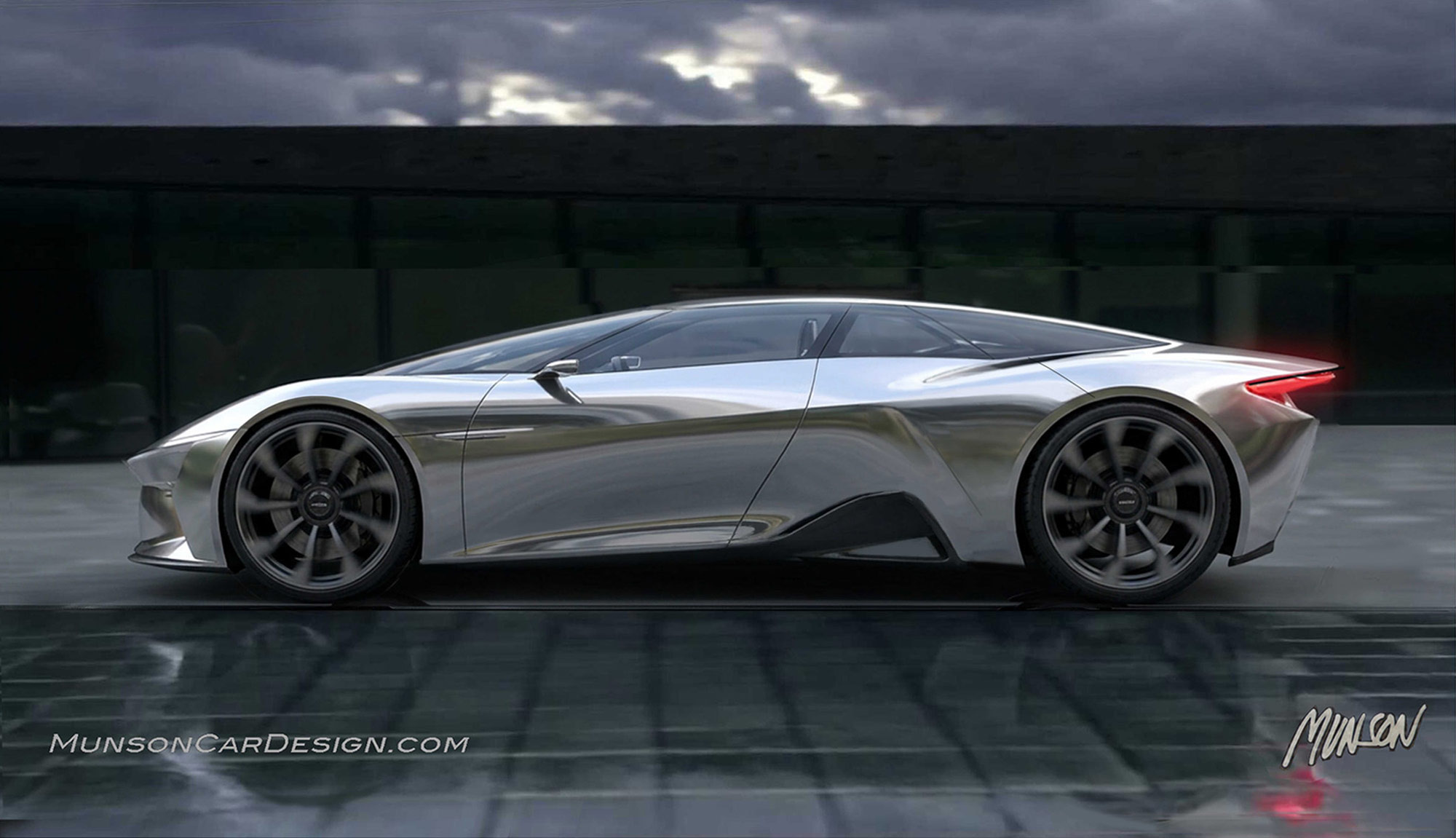
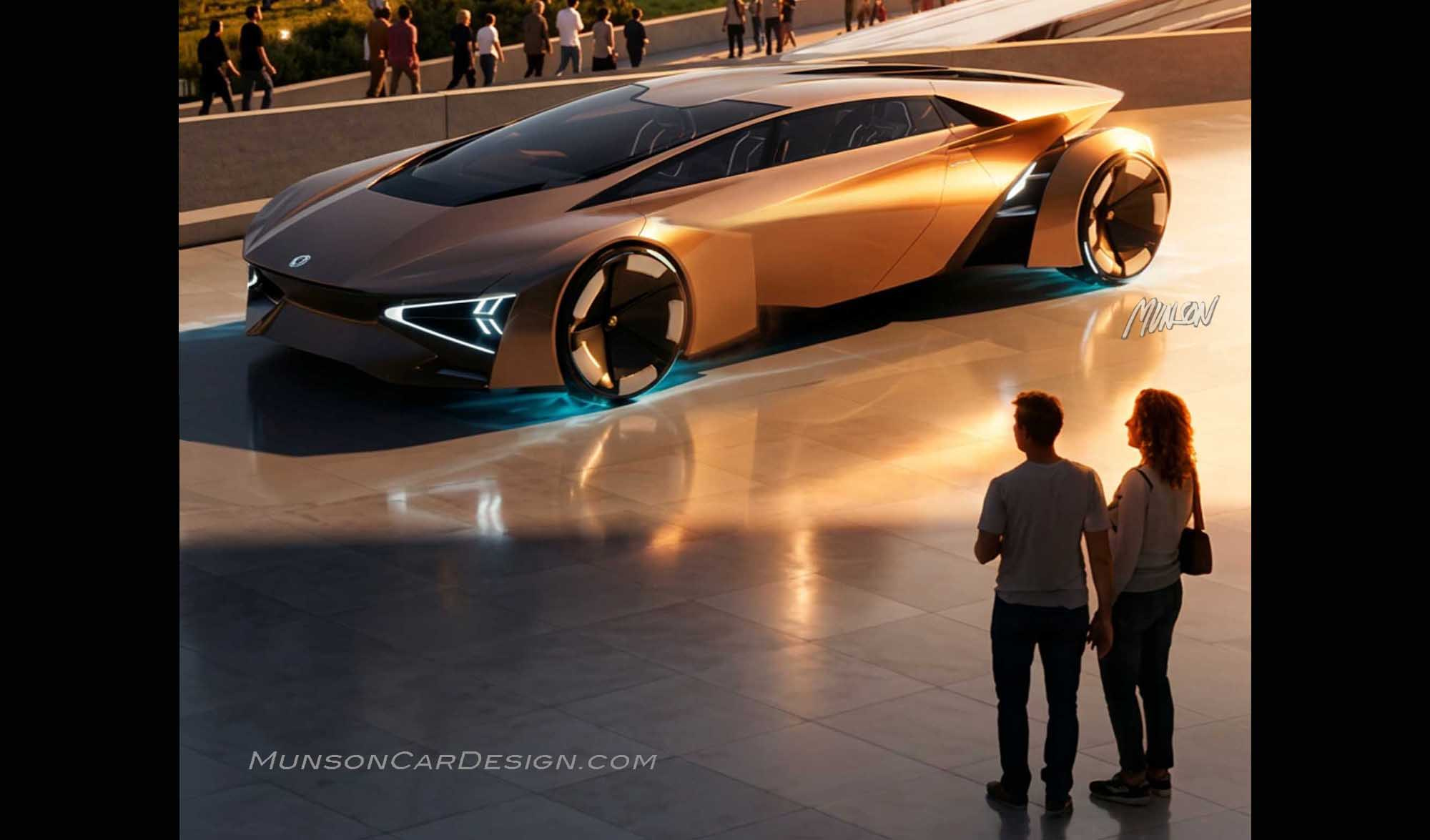
In total, I generated around 35 variations. Many were unexpected—some even bizarre—but with each iteration, the results improved. I wasn’t searching for the most beautiful design. I was searching for the newest idea—one I could shape, refine, and ultimately transform into something beautiful. I’ve included several attempts along the way. When one design showed real promise as truly unique, I exported it to Photoshop for refinement. I then reintroduced the updated image into Modify as an additional reference alongside the originals. On the 35th iteration, I finally saw the design I had been searching for.
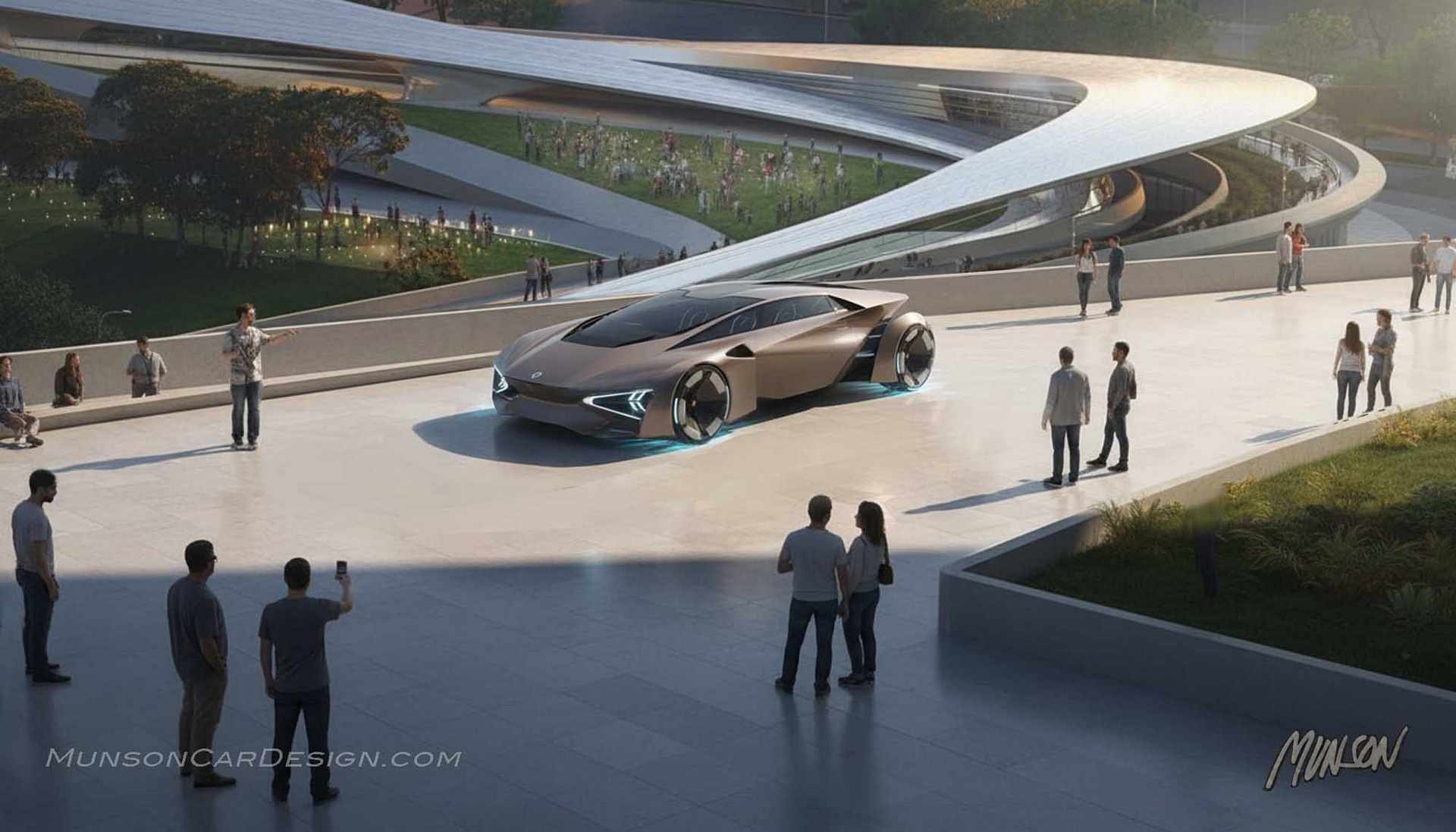
The proportions, however, were off—the car was oversized within its environment. Fortunately, this was easy to correct in Photoshop.
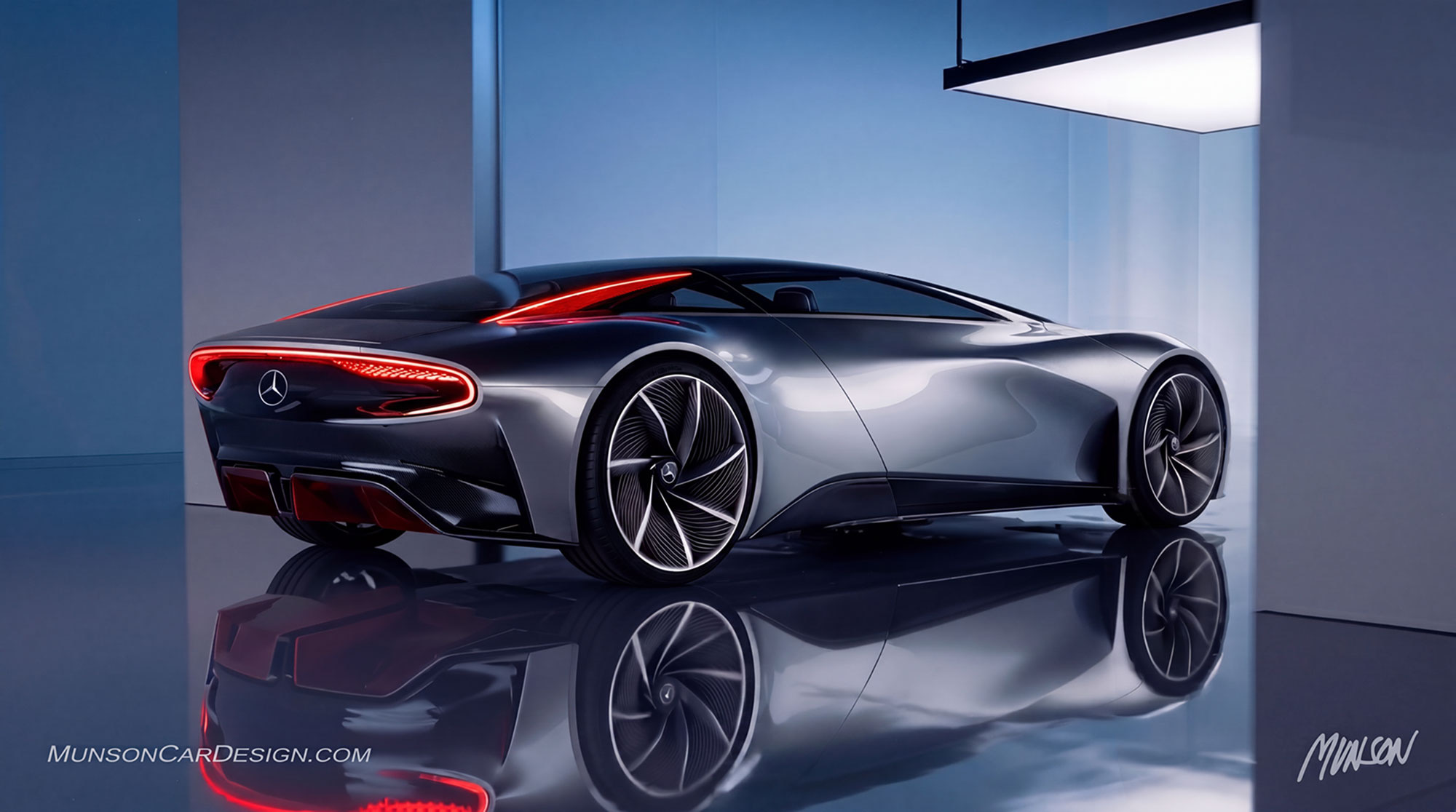
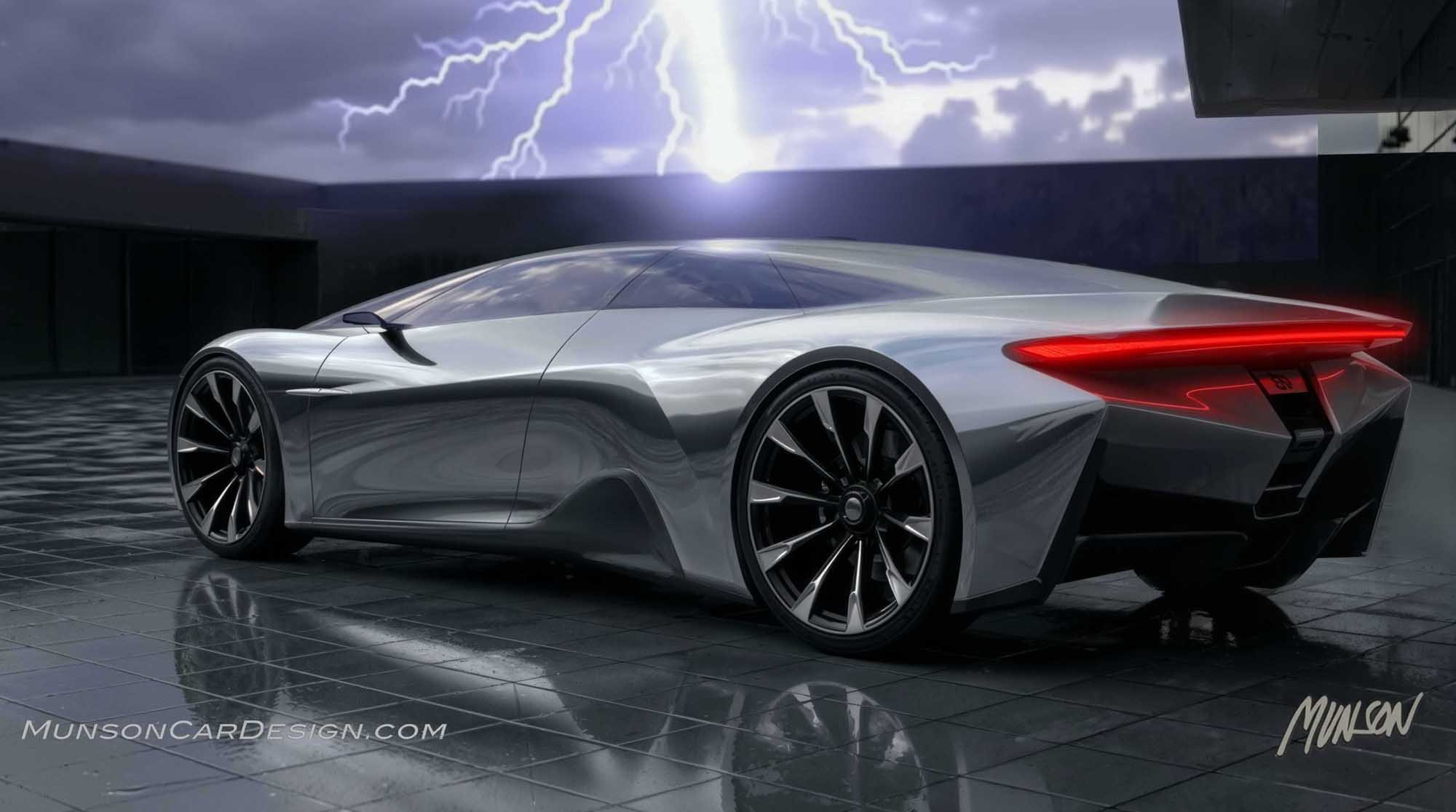
Once I established a theme I liked, I returned to Vizcom Studio and used Instant Render within Modify. I selected a version with dramatic lighting and refined it further in Photoshop to enhance mood and detail.
I chose not to brand the design. The hood emblem resembles a Renault badge, which actually feels appropriate given the car’s avant-garde character.
The most enjoyable part of the process was generating videos back in the Workbench using Animate. My intention was to visualize four-wheel steering, with the rear wheels—and the rear fender—turning in the opposite direction to the front wheels. Although I couldn’t quite get Vizcom to interpret that mechanical nuance, I was very pleased with the final version I ultimately shared.
In my work, the design itself is usually what matters most to me. In this case, however, the process behind its creation is even more meaningful than the final design. This process reinforces something powerful: with the right direction, AI becomes less about “perfect prompts” and more about creative dialogue.