
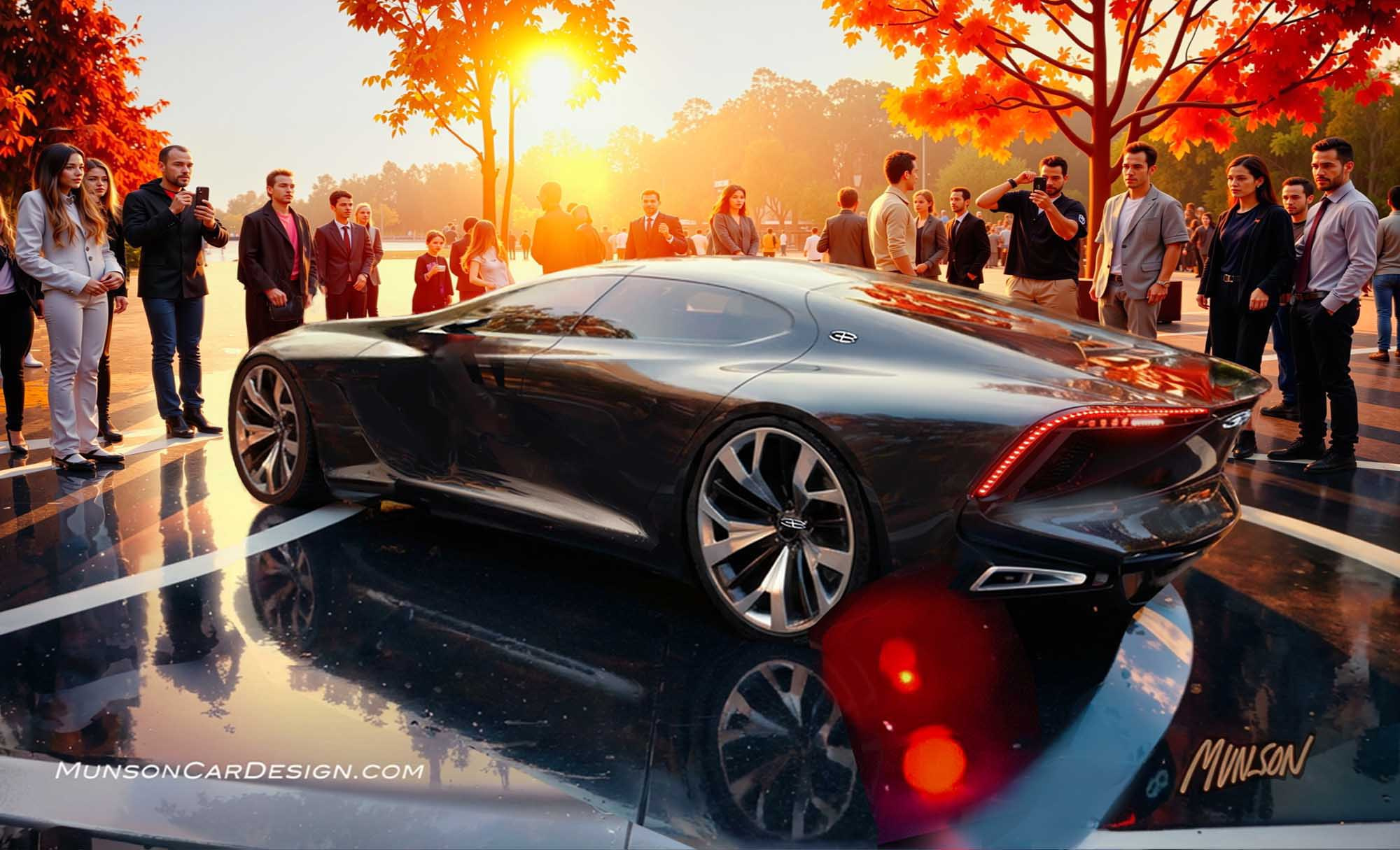
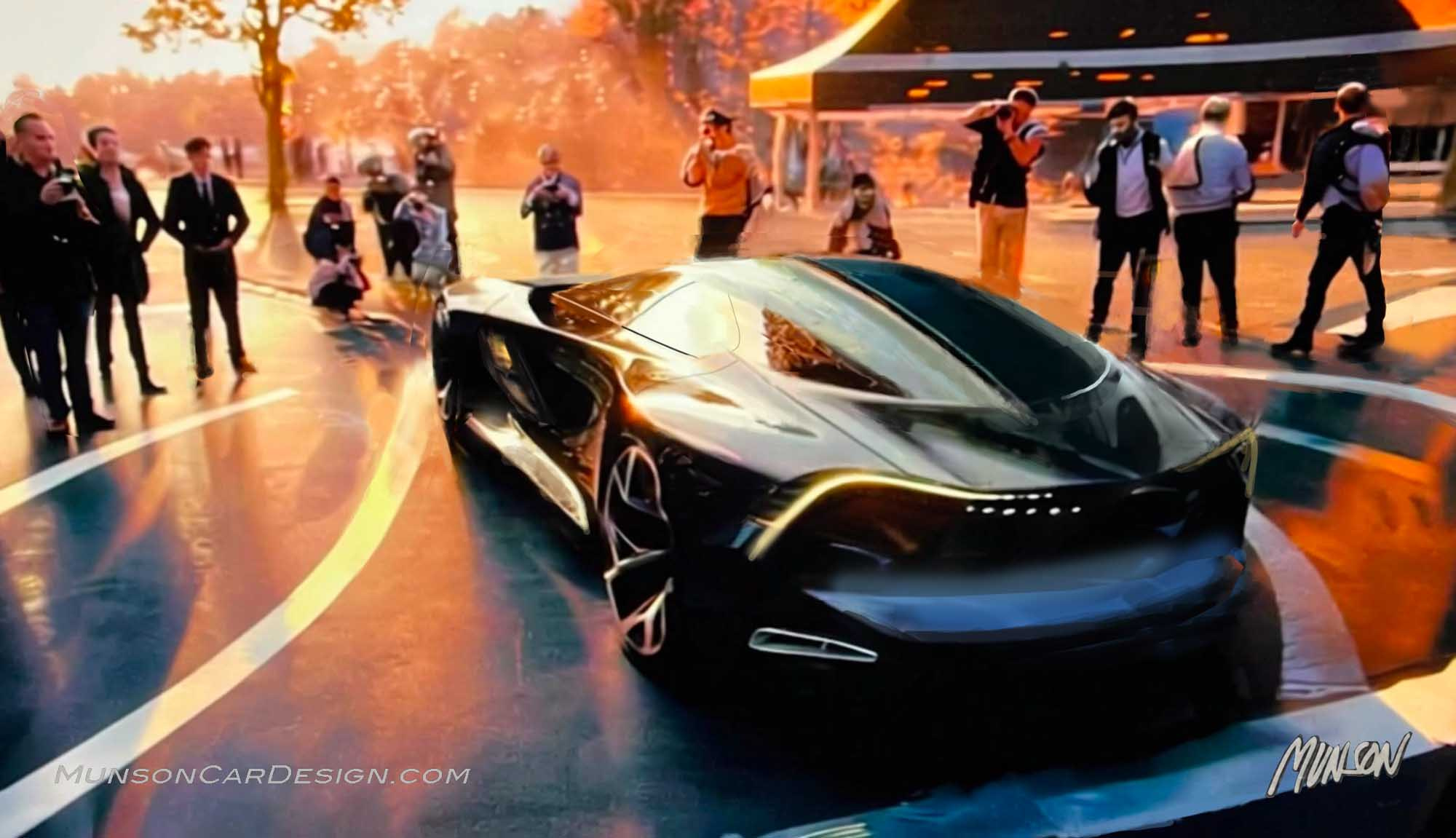
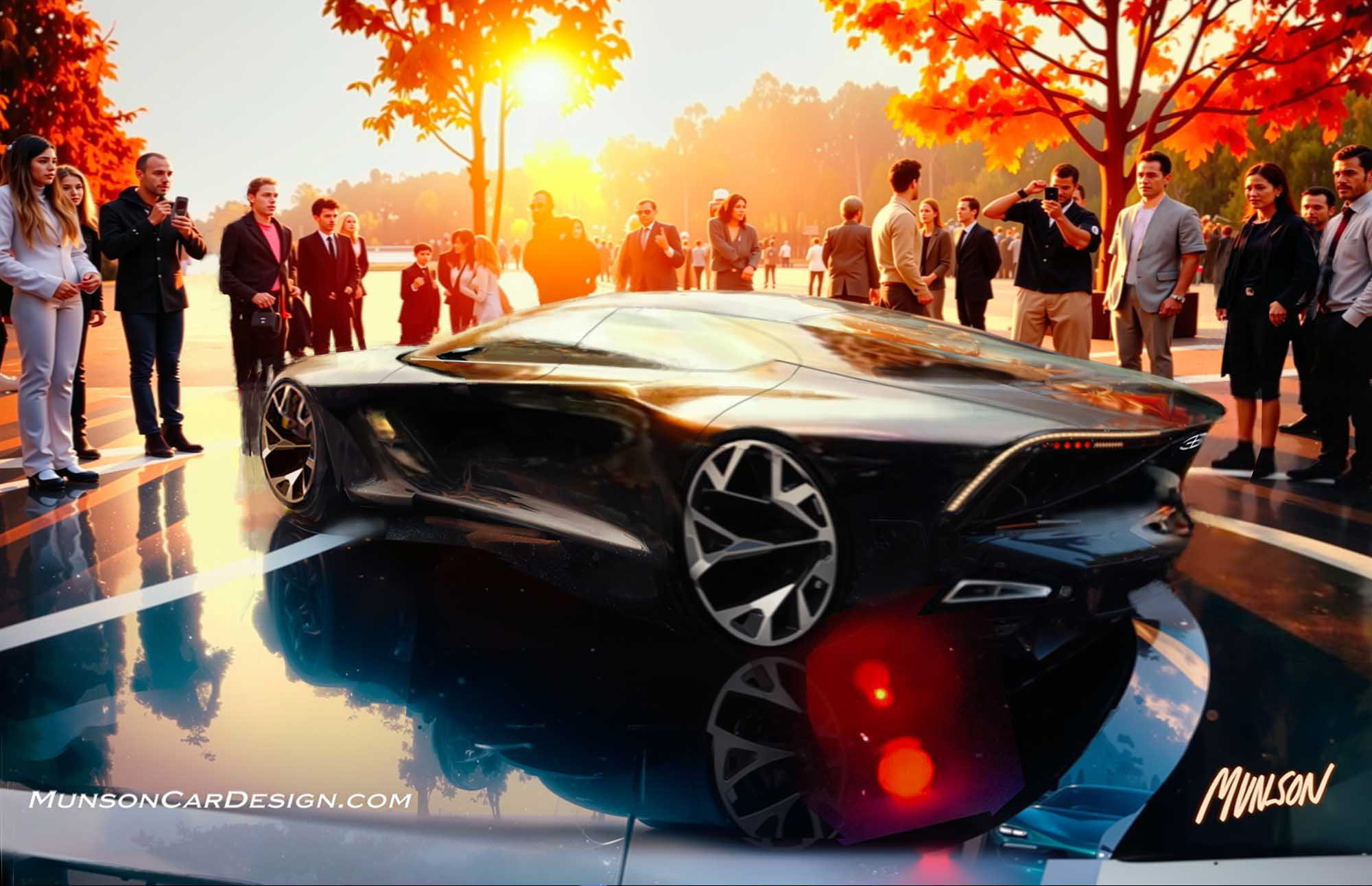
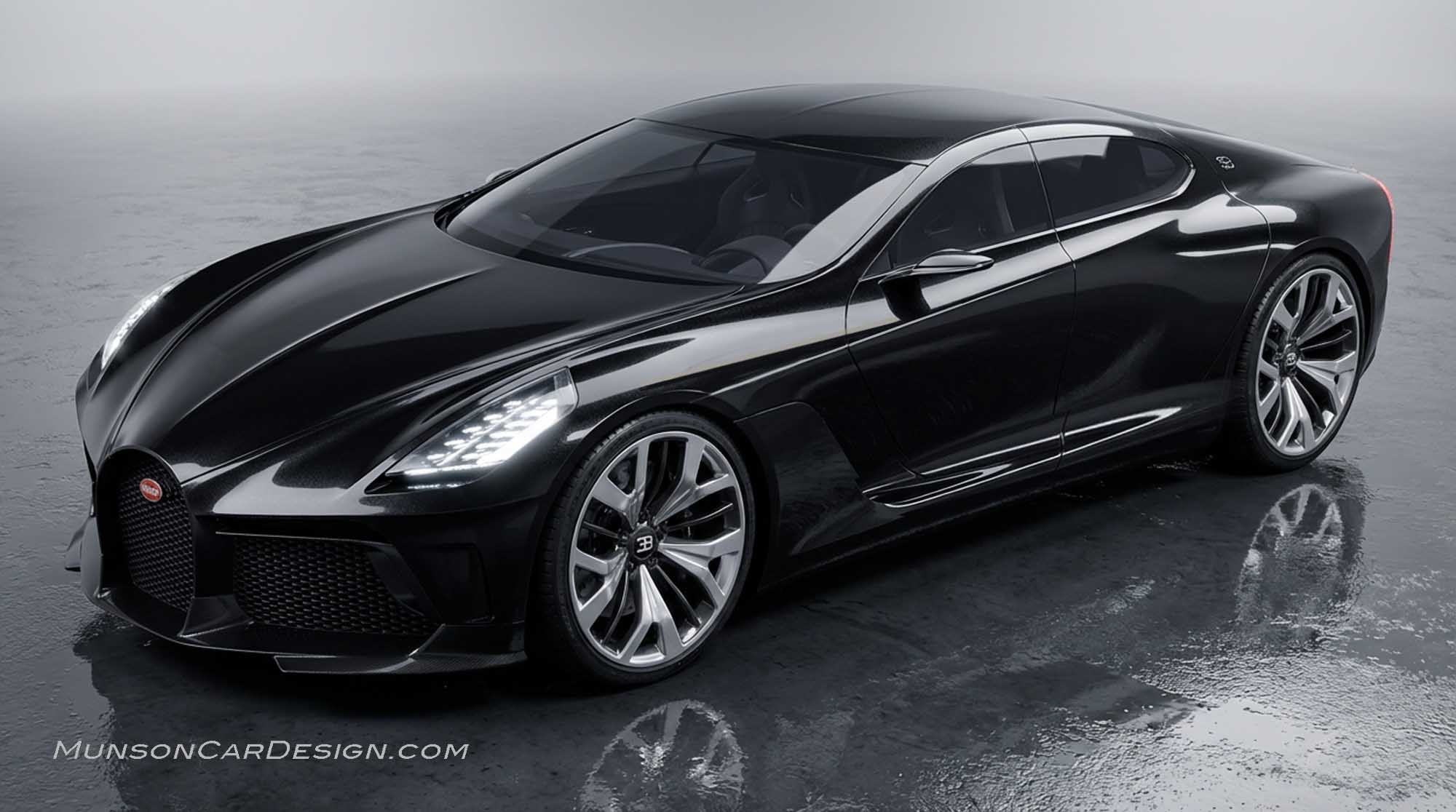
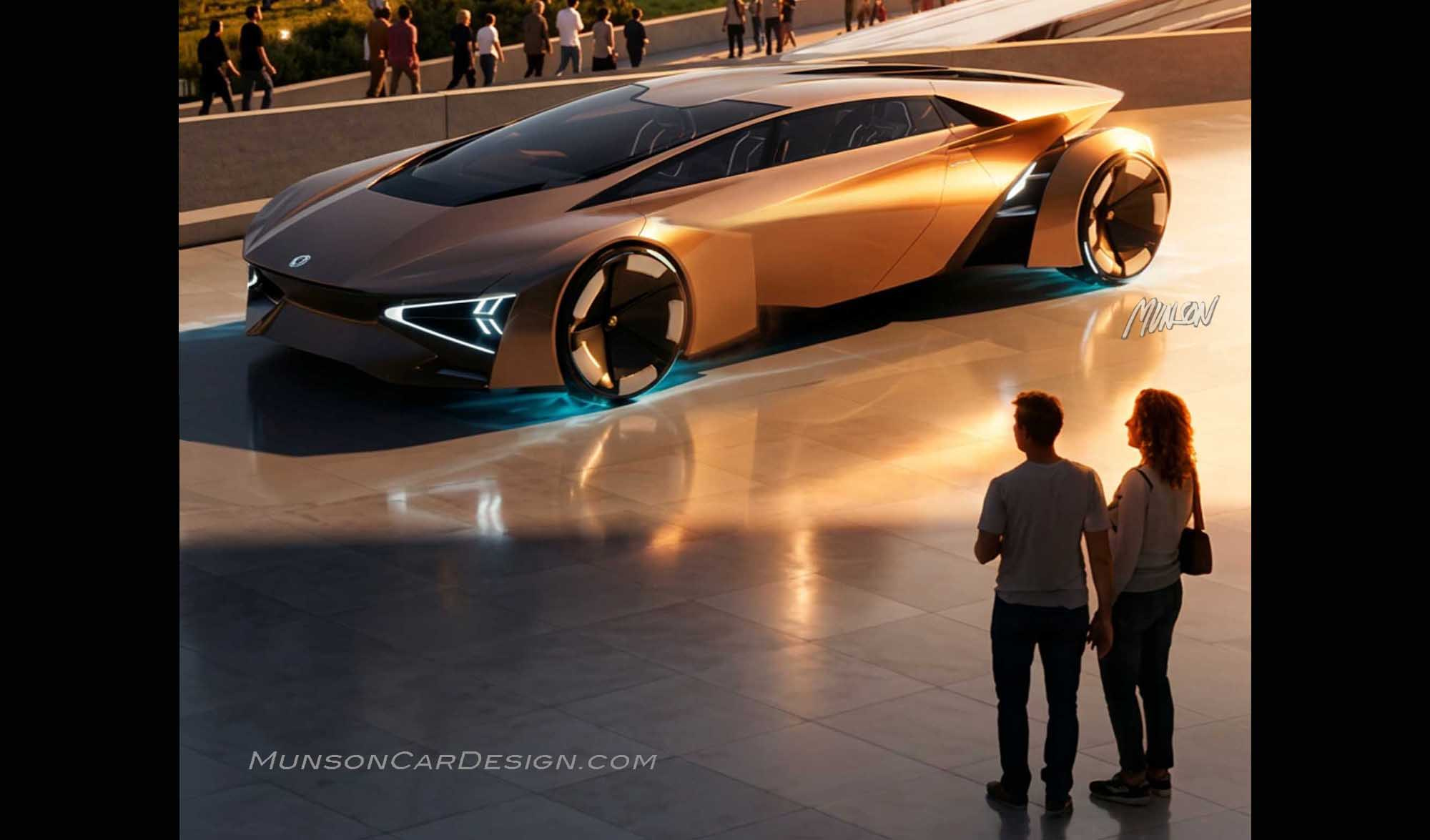
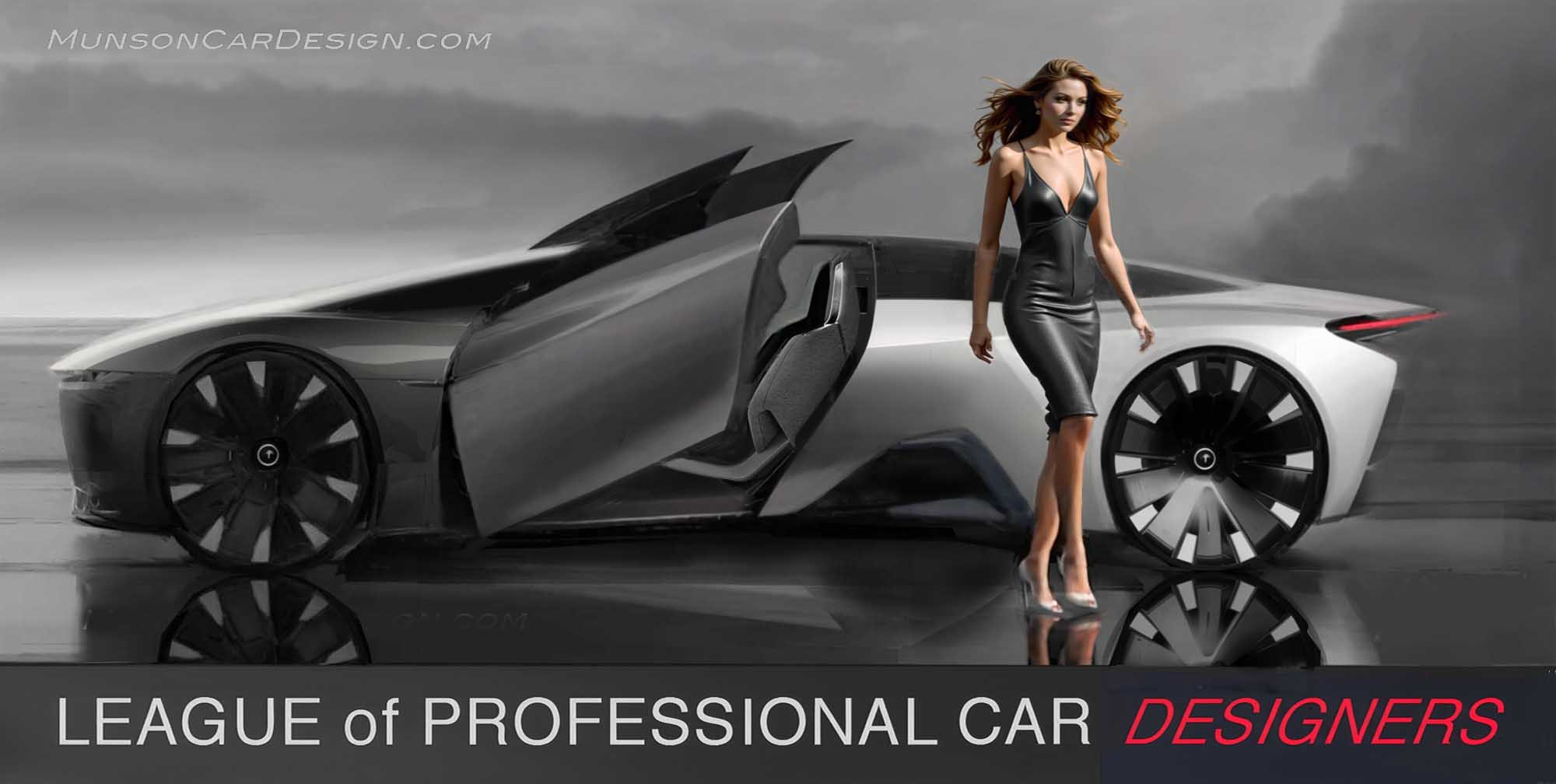
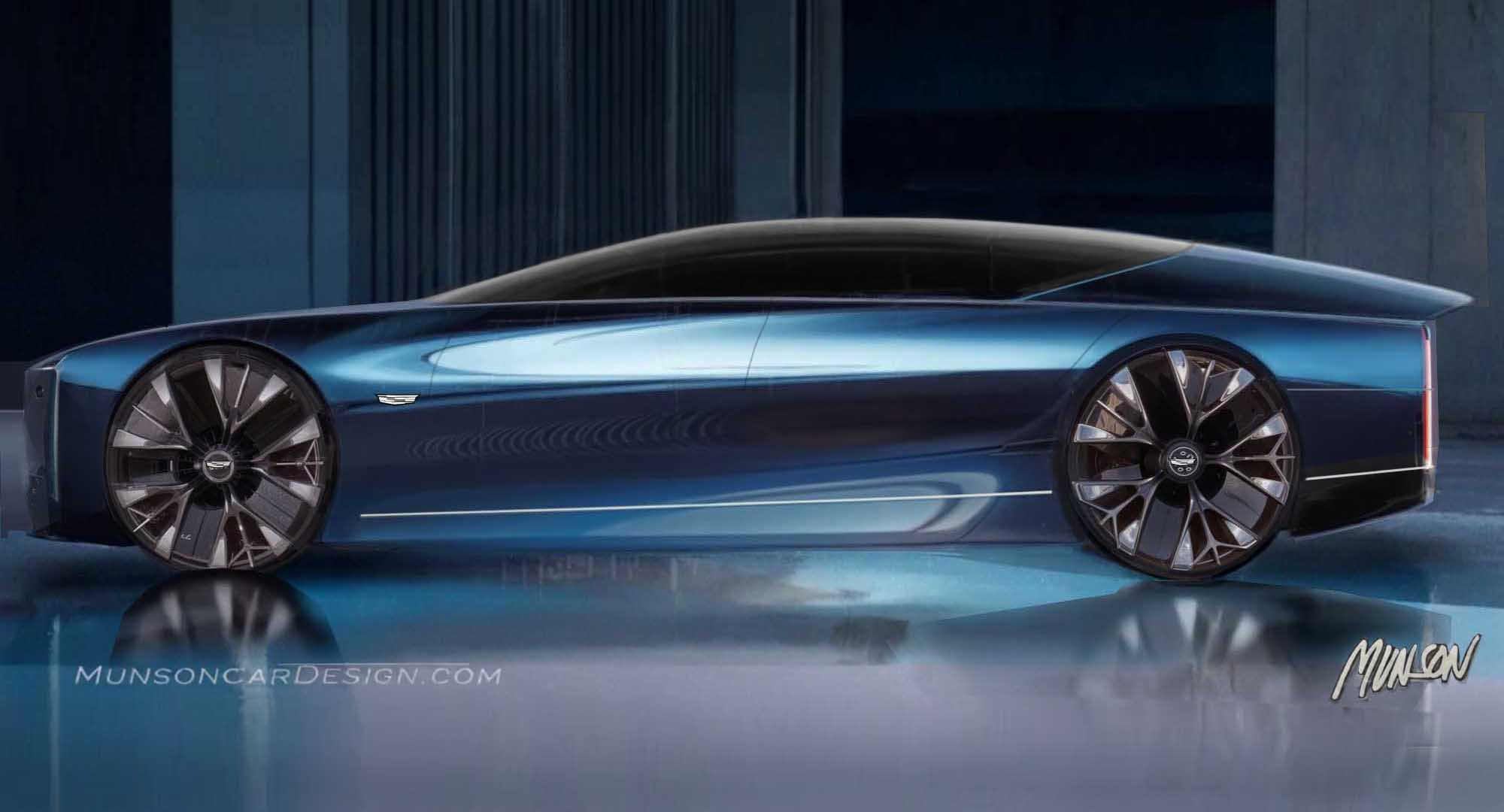
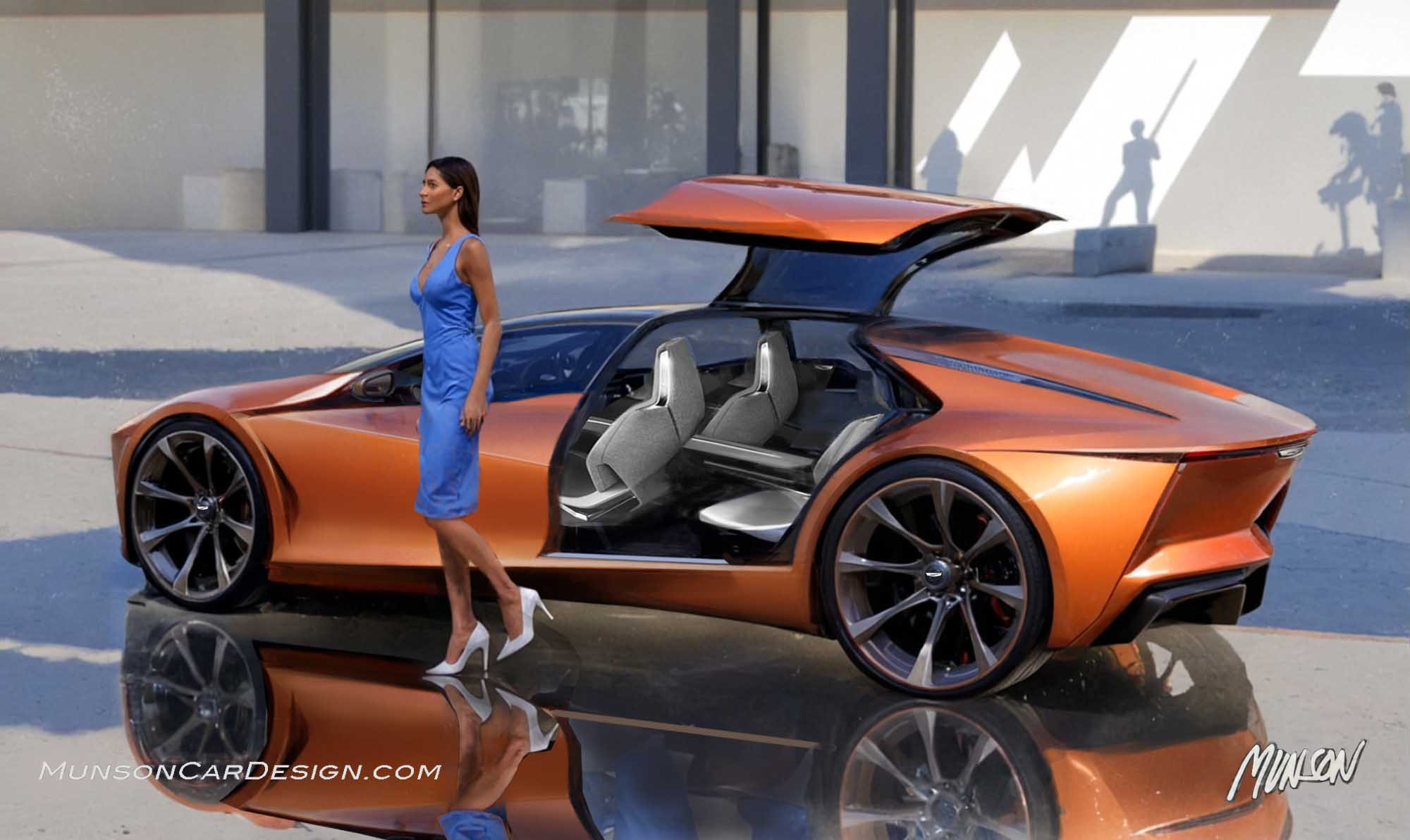
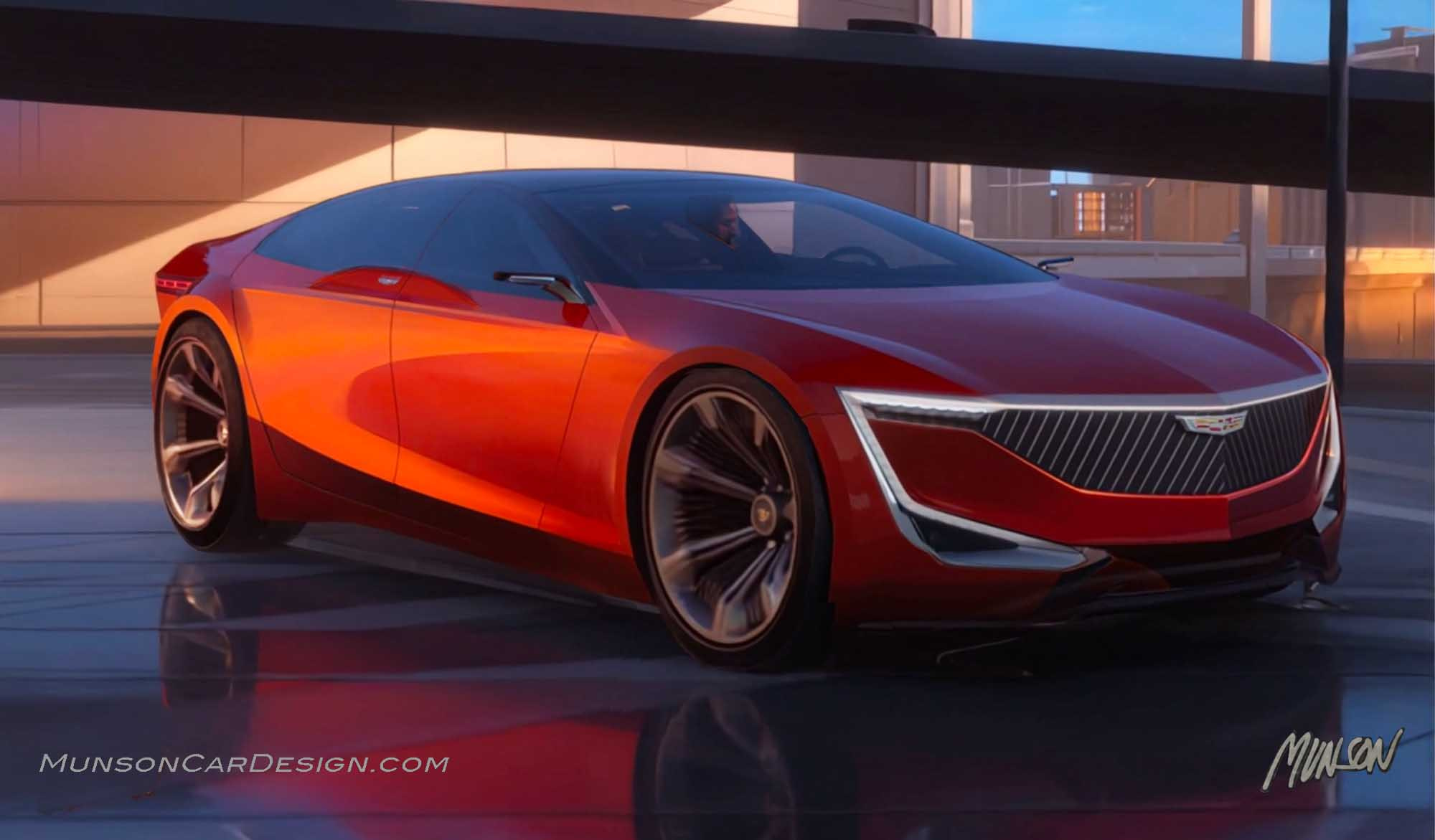
My design was created with this year’s EyesOn Design theme of “Power and Elegance” in mind. I felt that Bugatti was the perfect marque to embody both of these qualities. I envisioned a poster that would present an exciting concept in a dramatic setting, inspired in part by the fabulous work of Tom Hale.
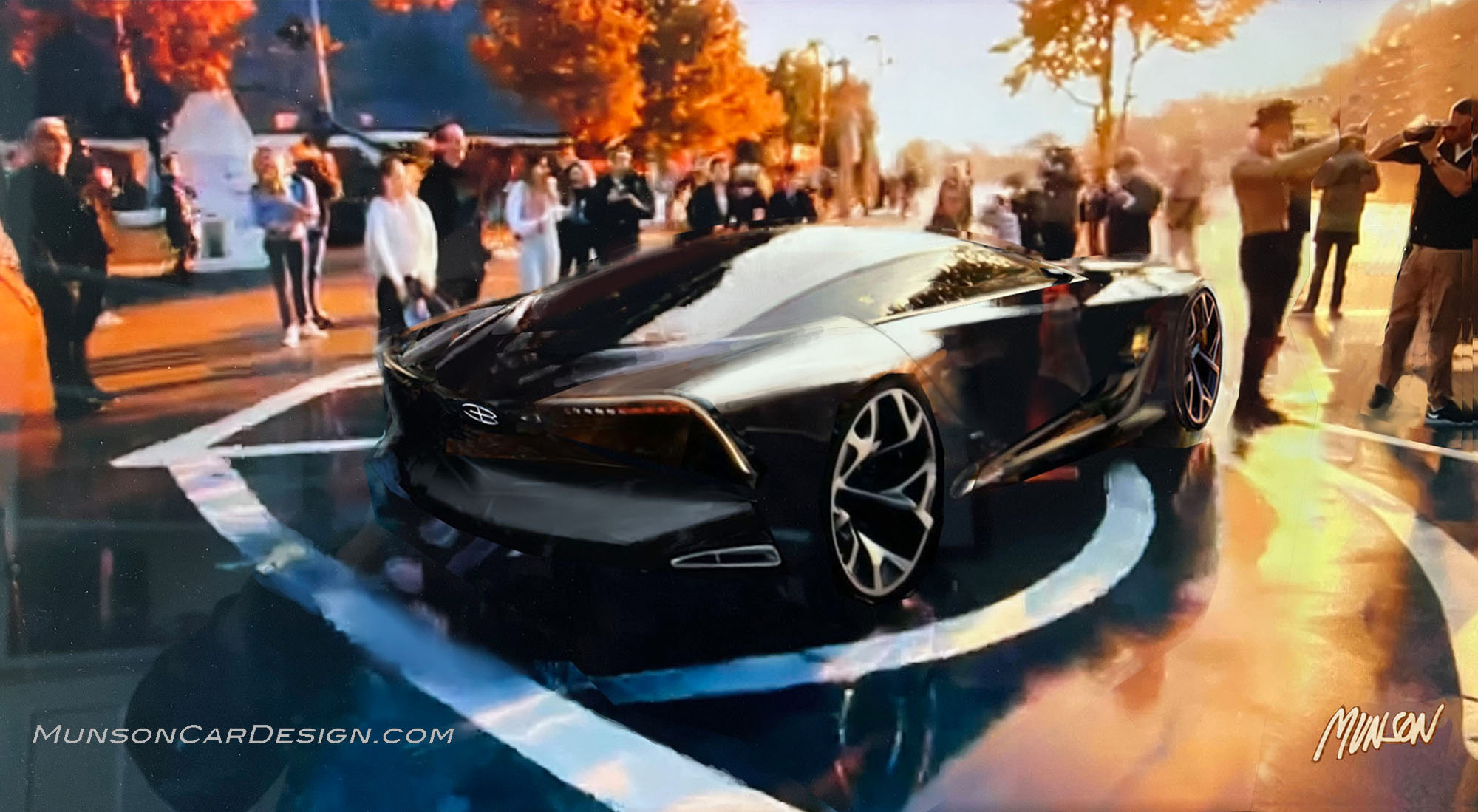
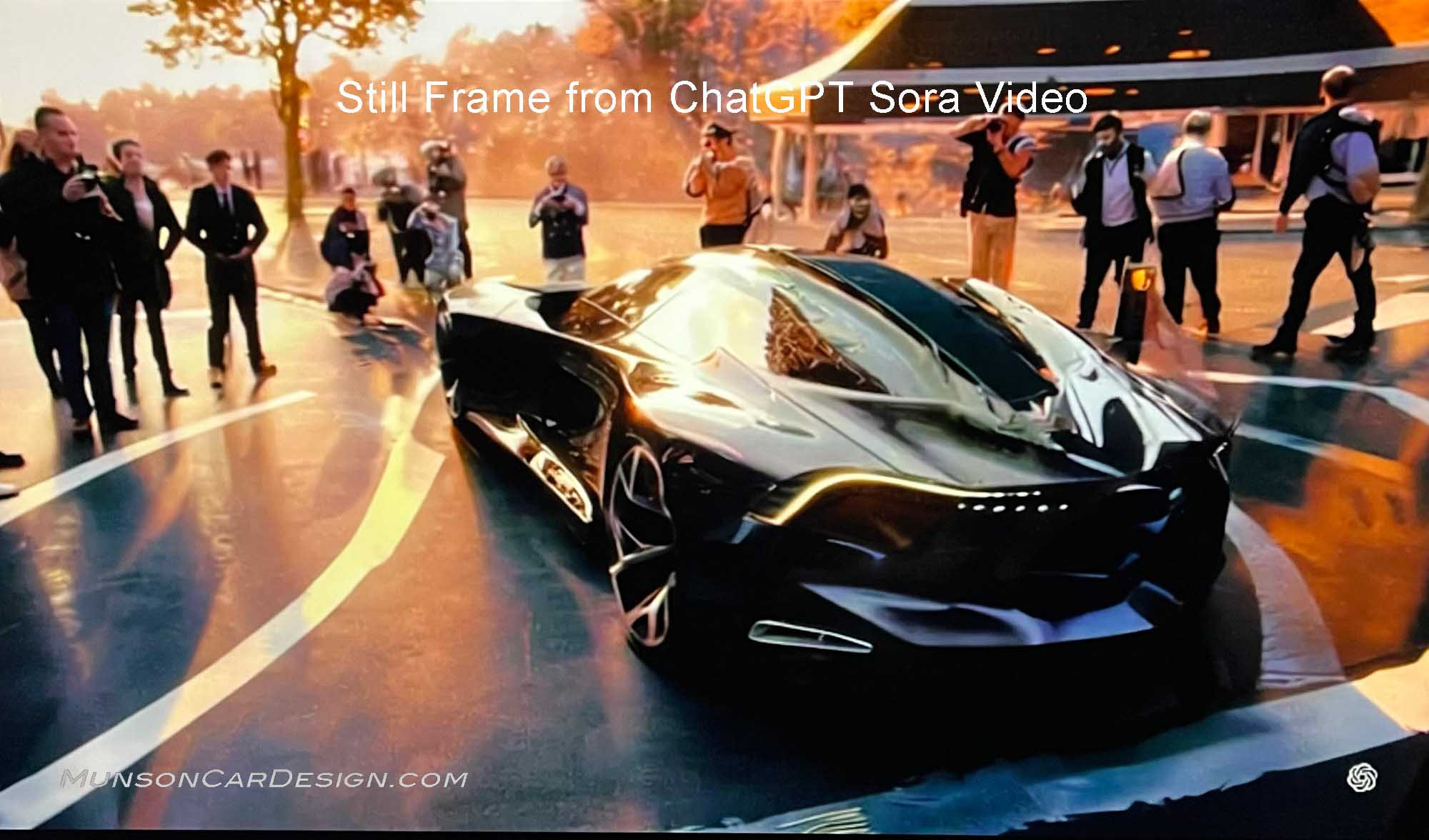
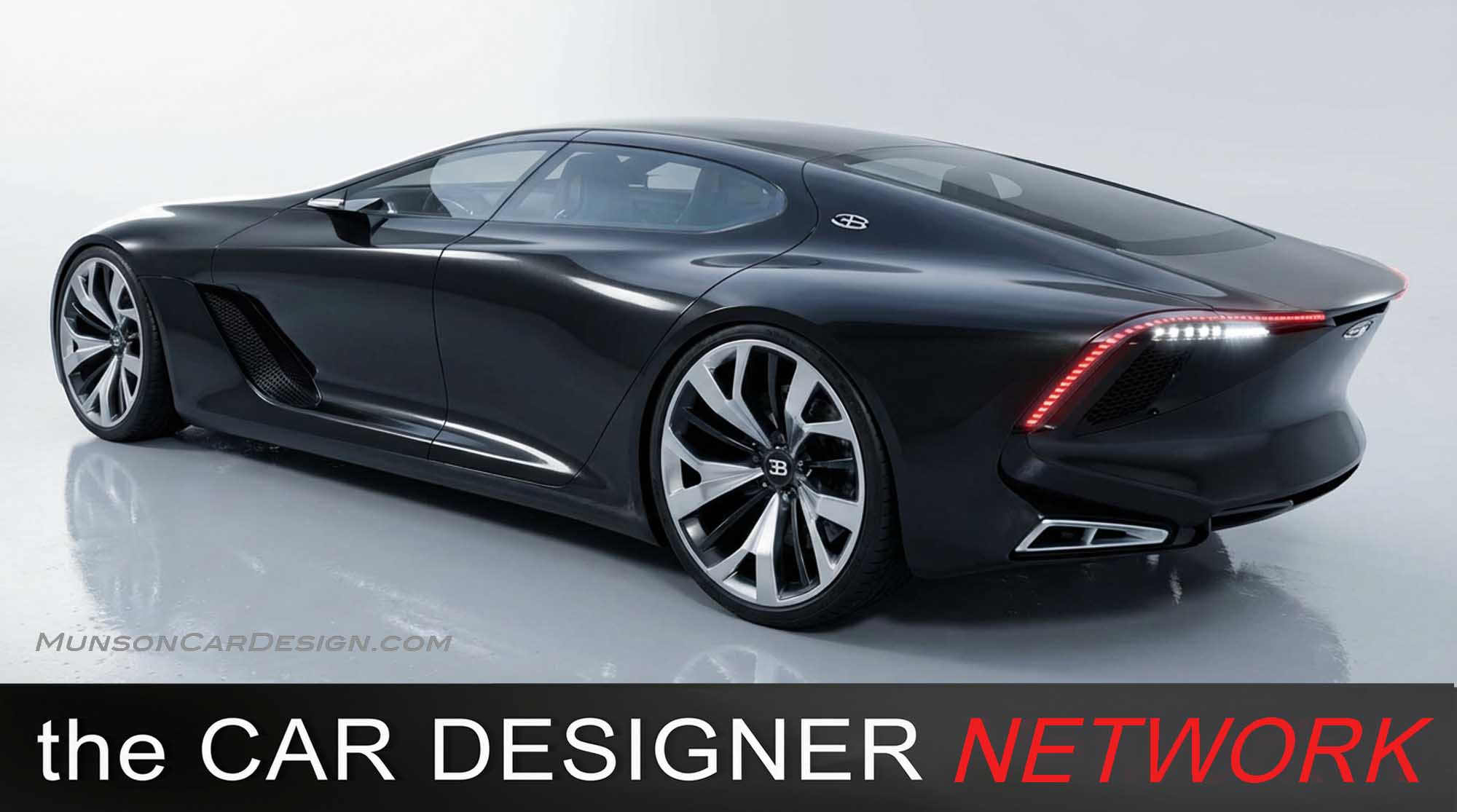
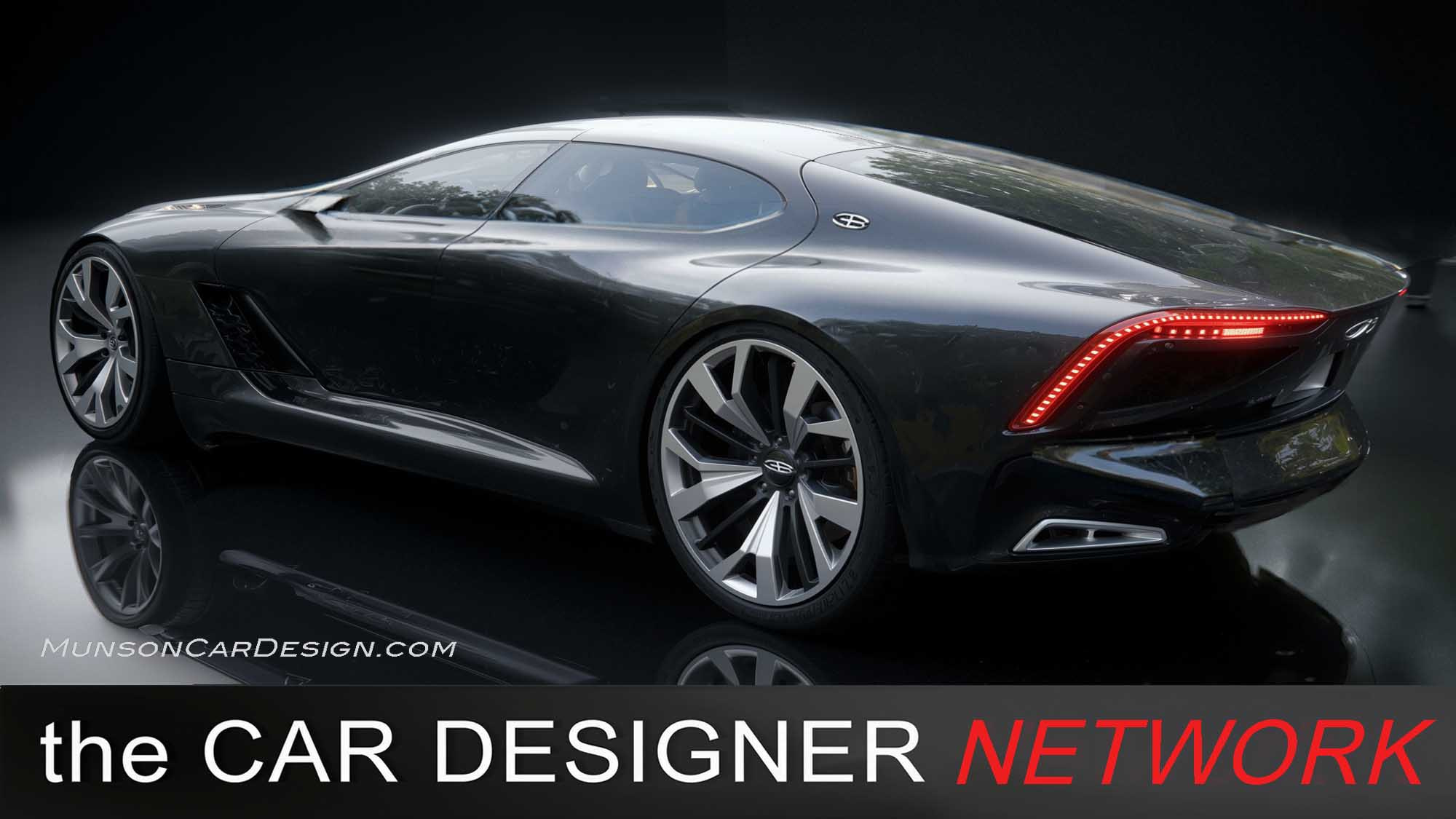
I began with sketches from my Bugatti Royale post and generated AI videos from them to find the most compelling viewpoint. After selecting a frame, I right clicked on the video while in Workbench and selected “Copy Video Frame” to photoshop it further. I then morphed a side view from one of my Royale sketches into the chosen perspective. My goal was to combine soft forms with graceful lines and crisp creases—true to Bugatti’s traditional design language. It took three iterations to arrive at the final vision I had in mind.
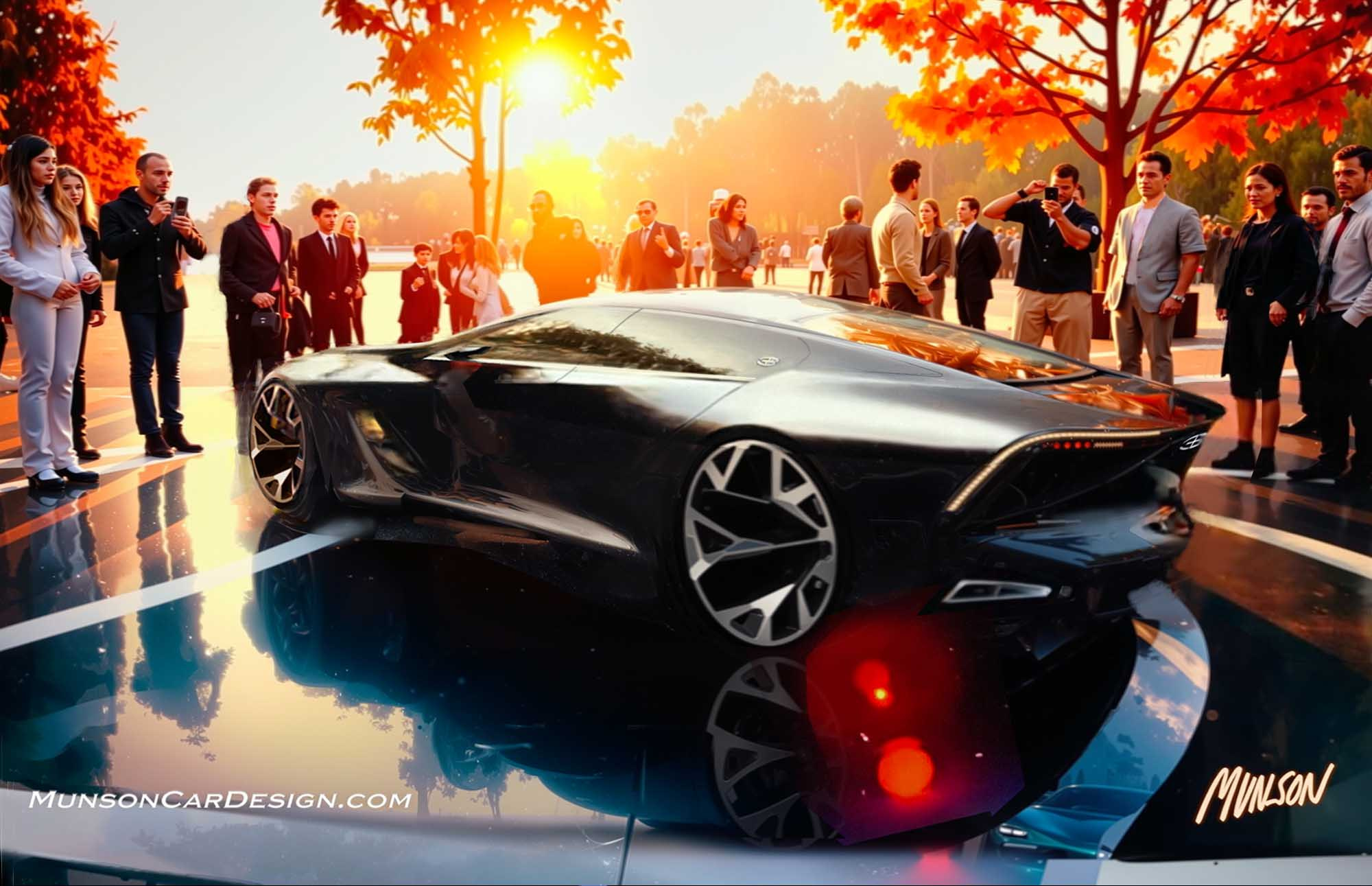
I experimented with the upscaling feature in Topaz Labs Bloom with mixed results. The background of my rendering was significantly enhanced, and the people became more clearly defined. However, I wasn’t fully satisfied with how the tool altered certain aspects of my design. I was able to selectively incorporate improved details from the upscaled car sketch—such as the tail lamps and wheels—by compositing them in Photoshop. I especially like how the front fender suggests a separate, powerful form reminiscent of 1930s Bugatti designs.
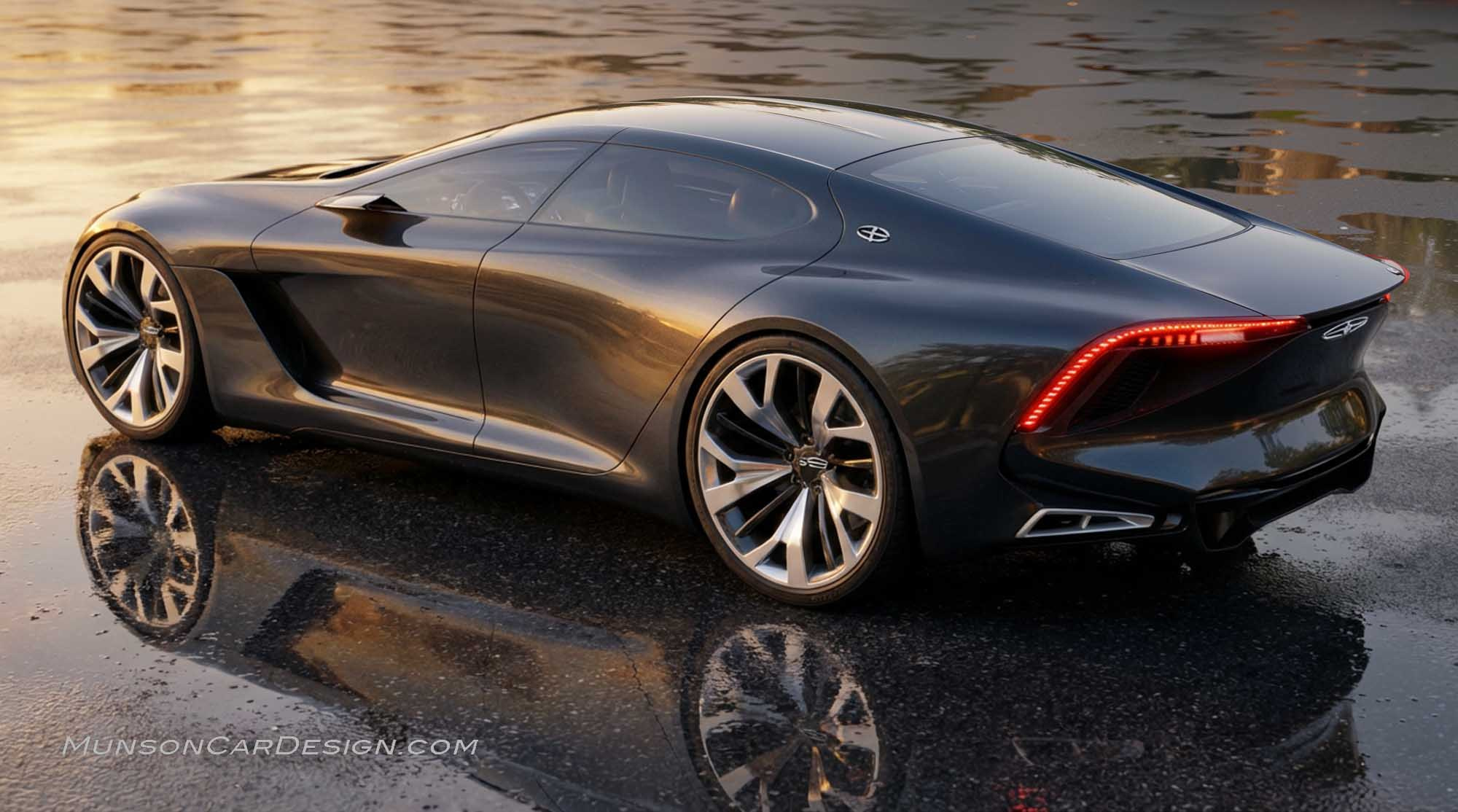
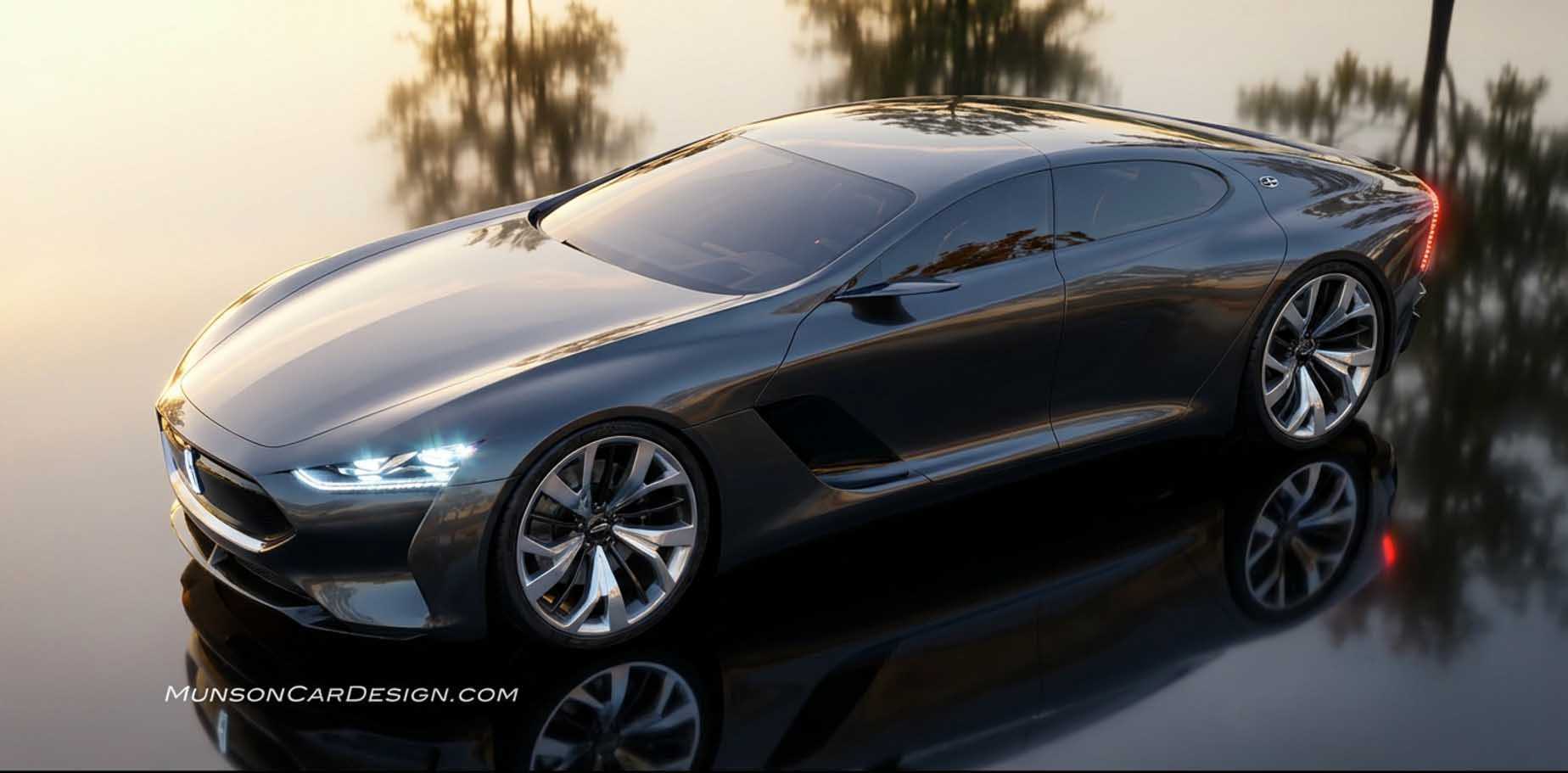
Vizcom’s Instant Render feature continues to improve. It now generates additional views of a sketch with remarkable fidelity. While the interpretations aren’t always identical to the original design, they’re consistently compelling. I’ve included a couple examples at the end of this post.
Vizcom’s Animate feature is equally impressive. Even with minimal prompting, it produces dynamic and engaging videos. When the result isn’t quite what I want, small adjustments to the prompt quickly guide it in the right direction. The video I’ve posted shows a couple iterations of my design evolving.
Another Vizcom feature allows you to upload a starting frame and an ending frame to generate an AI video that connects them. You can also guide the transition through prompting. To create an empty environment without the car, I used the prompt “remove car from background,” which generated a sequence of the car backing out of the scene. I initially tried reversing the clip using Clideo, but the watermark was an issue, so I generated the final version directly in Vizcom instead. In the prompt, I stated ‘car with Bugatti front slowly drives into view then stops’ to get a second version of my design. I liked both versions, so I merged them in Adobe Express. Which one do you like better?
AI served as an extension of my workflow, not the author of the design. Every aesthetic and conceptual decision originated with me; the technology simply helped bring the vision to life.

One Response
Inspiring, outstanding car design! Bob, why did you ever retire? Your creative vision and presentation skills/tools are sensational. Congratulations for your excellence!
Retired Automotive Designer, John M. Mellberg