
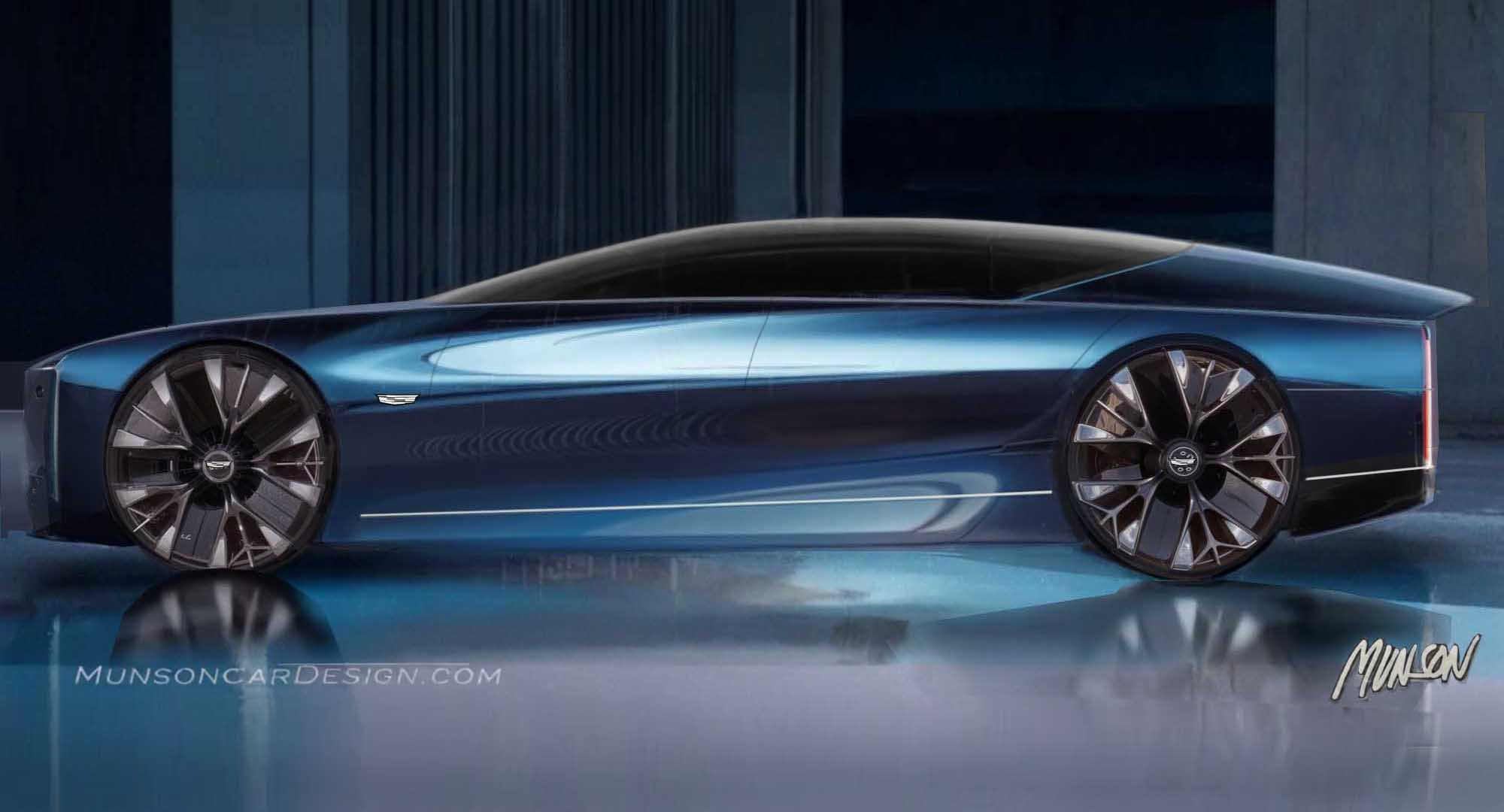
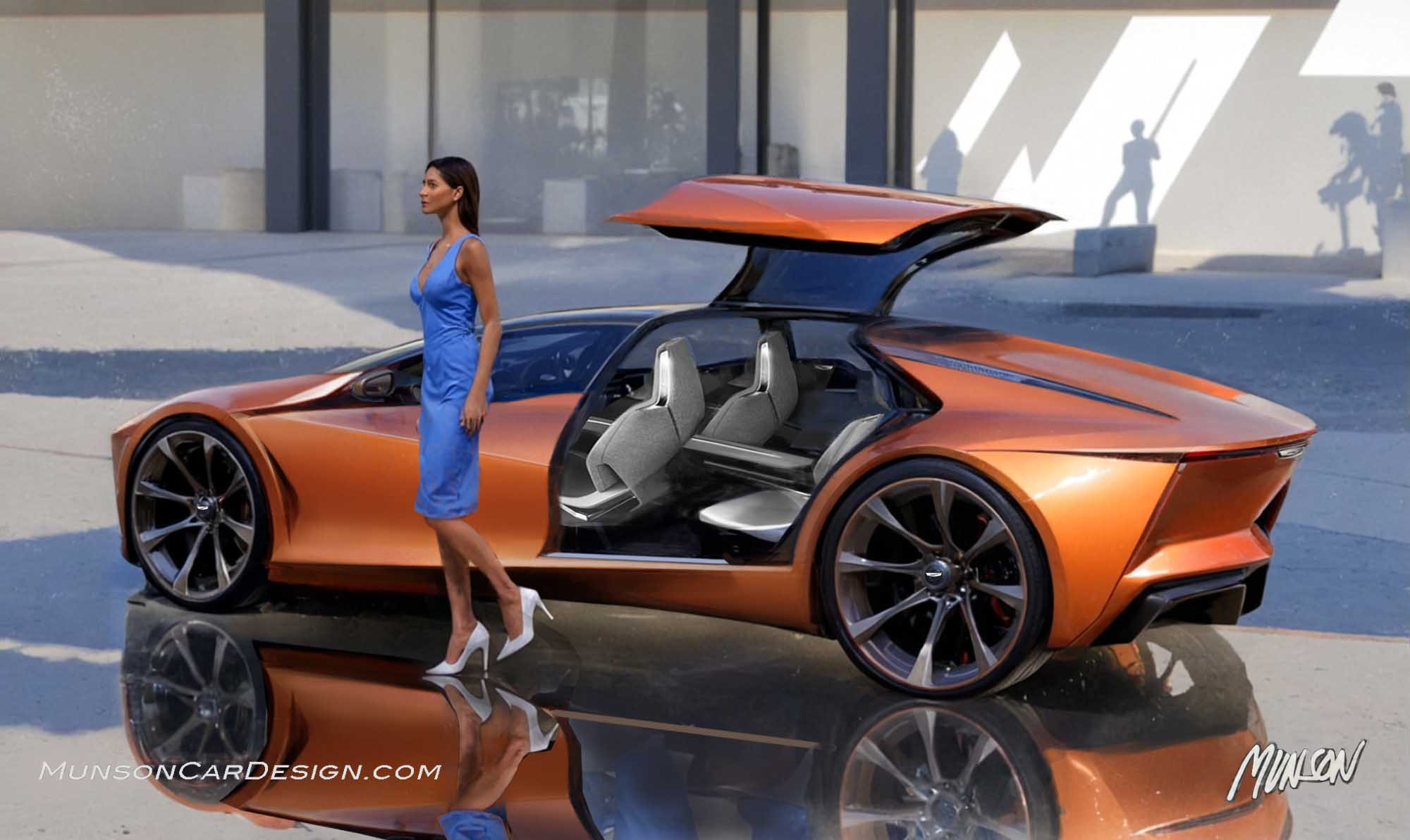
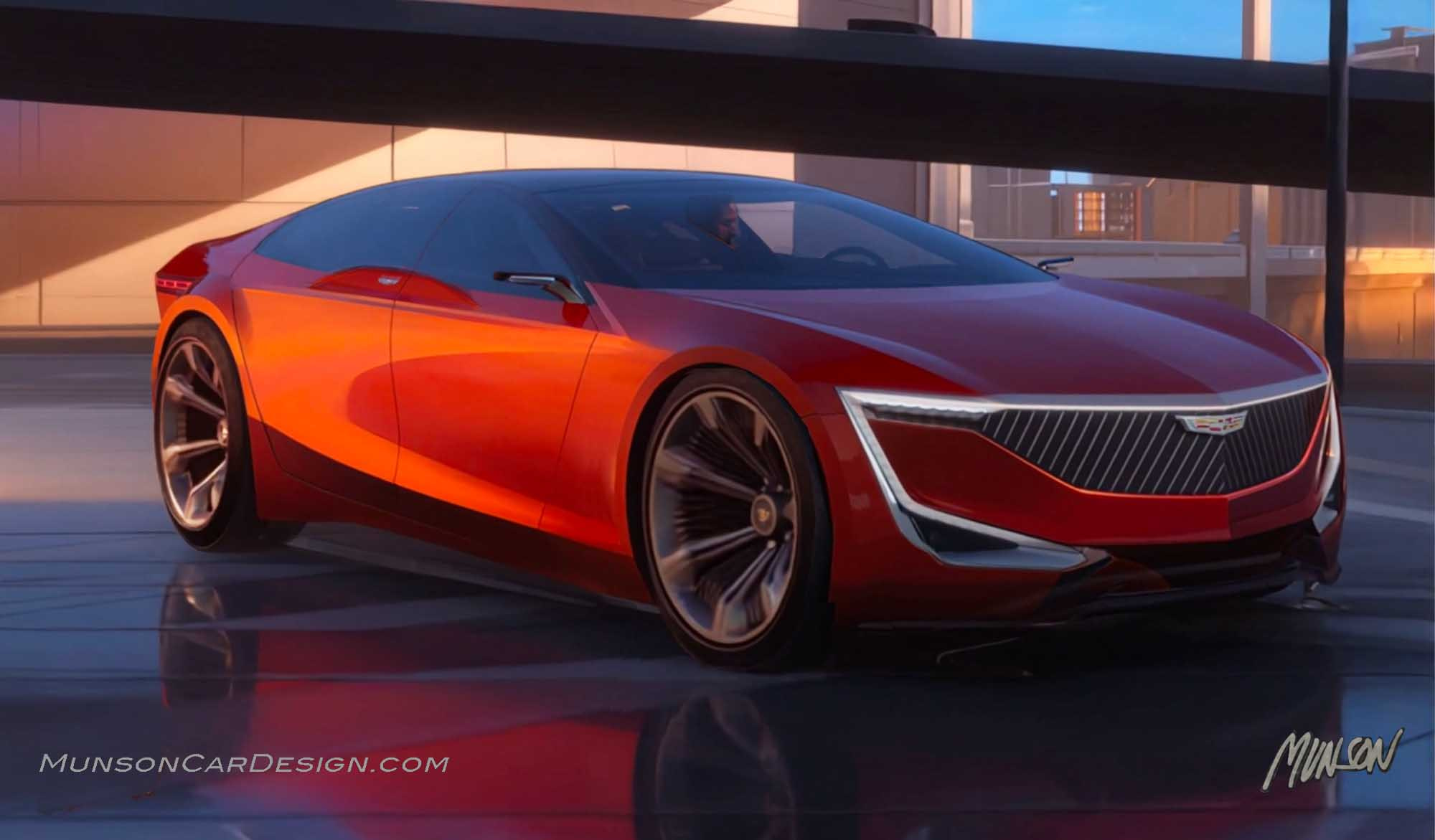
I was in a retro state of mind when I sketched this design. I had a couple of Renault or Citroen shape study renderings that I’ve always wanted to design around. (I can’t remember the marque). I put an upper on it and added Cadillac wheels to get things going.
I was also influenced by the Jaguar Type 00 concept proportions (but definitely not the design itself). I wanted a graceful and romantic statement that was elegant, sophisticated yet simple. Something that Bill Mitchell would approve of. I also had the straightforwardness of the Range Rover in mind.
The design came together quickly (of course since I already had the bodyside I stole from the sketch). Like the Jaguar concept, I didn’t include a backlite since my design would use cameras for visibility. The lack of a backlite would also increase trunk volume.
I rarely start with a direct side view when I sketch, which I recognize is counter intuitive. I prefer to imagine a compelling 3/4 view of a design. This design was the exception.
Once I had a side view to my liking in Photoshop, I generated renderings with Vizcom. As the design progressed, I added the second turquoise inspiration sketch as a reference image. I’ve always liked the color turquoise on cars. I associate it with the 60’s which suits this nostalgic design. I love the saturated color that it adds.
I upscaled my renderings with TopazLabs Bloom to clean up my sketches before generating AI videos. I prefer the medium setting for creativity to prevent it from adding unnecessary details on my sketches.
I generated AI videos with Vizcom ‘Animate’ then rotated my design to get a rear 3/4 view. (Vizcom let me create videos again after banning me for a time since I generated too many last month). I created a still frame of my video by right clicking on it while it was on the Vizcom desktop and selected ‘Copy Video Frame’. Note that you create the videos on the workbench by clicking on the plus icon on the right side of your sketch and choosing ’Animate’.
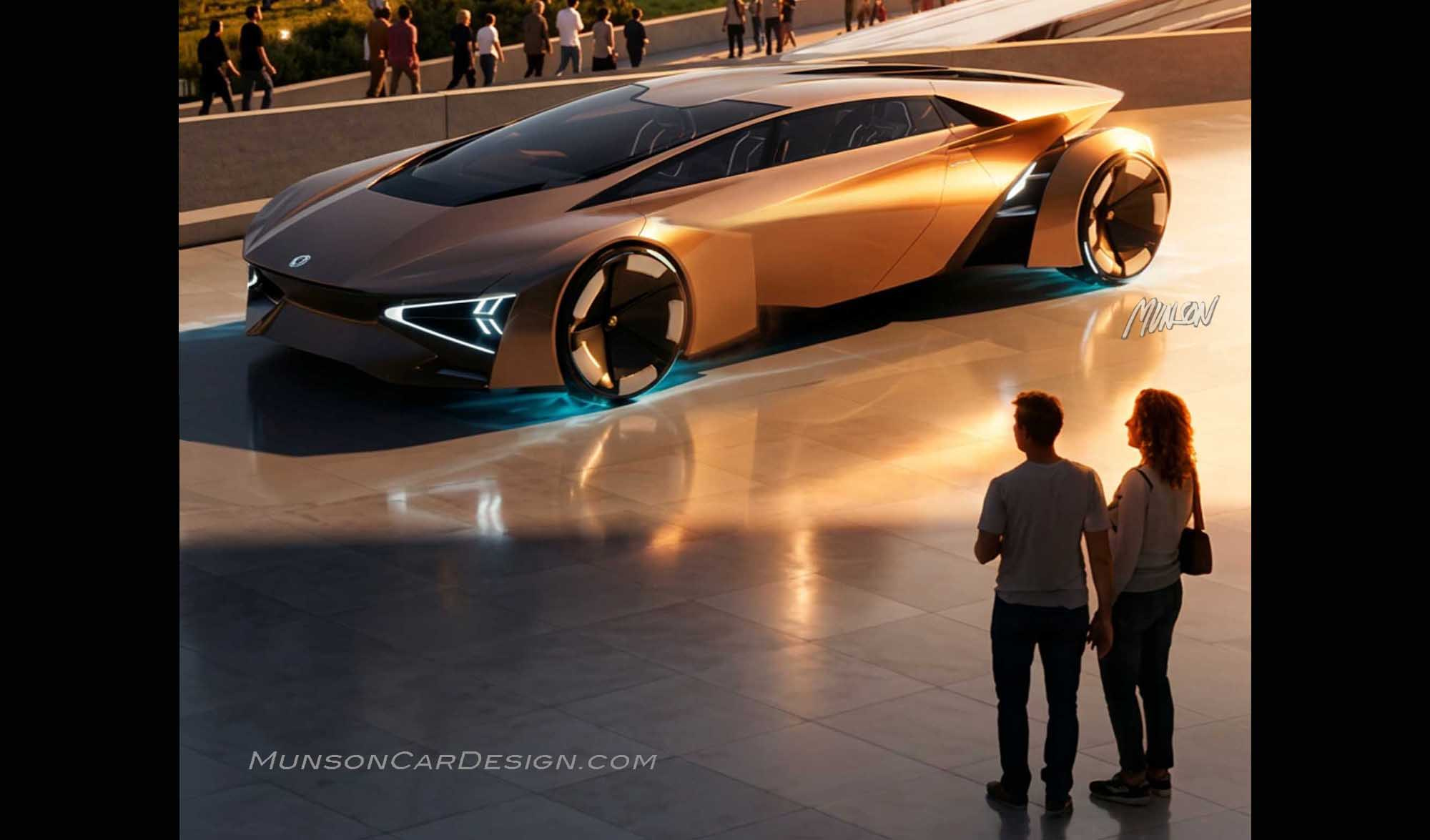
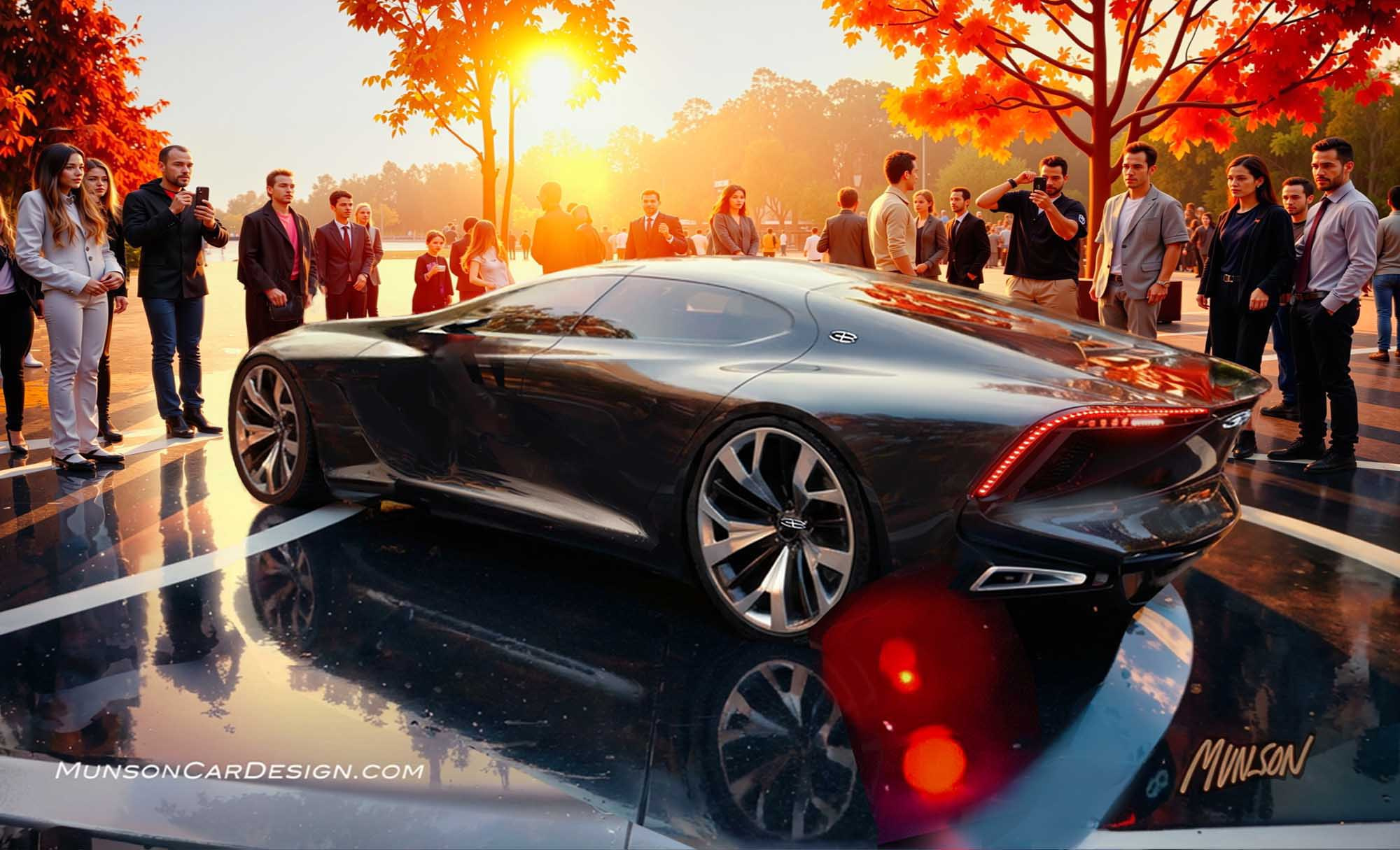
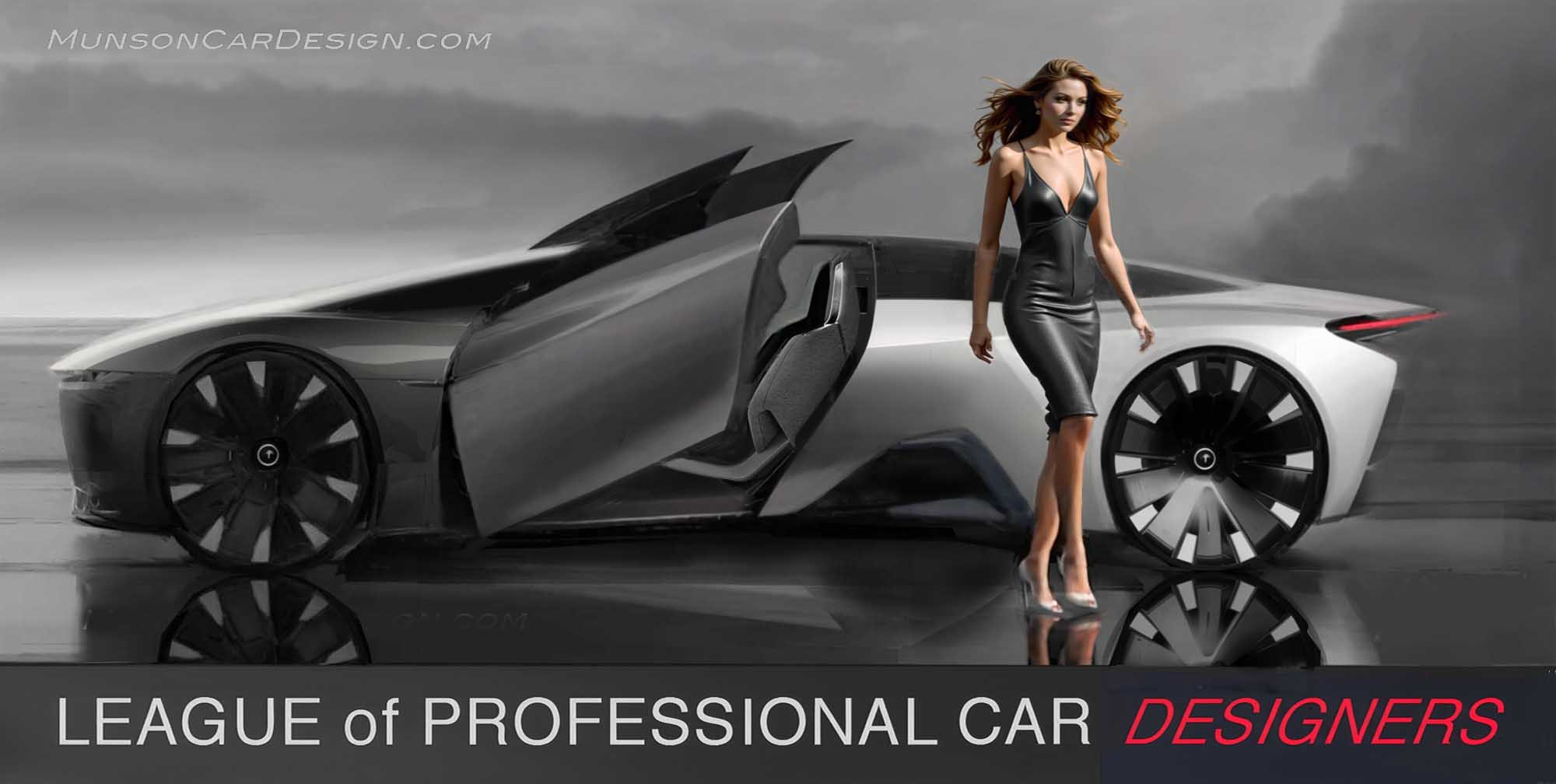
I continued to render and refine several of these still frames in Photoshop which I’ve included in this post. Often I had to fix the proportions of these sketches from the AI videos when it didn’t understand my design intent. However, the AI did a remarkable job of consistently maintaining the sophisticated reflections throughout the videos.
Once I had polished these renderings to my satisfaction, I created the final video by utilizing Vizcom’s ‘Start’ frame to ‘End’ frame feature in ‘Animate’. I imported a finished rendering for the start of the video and another one for the end. Vizcom seamlessly transitioned between them.
I know the wheels are too big and the upper is too small on this Cadillac sketch. Call it artistic license. Nevertheless, I feel that it makes a bold statement that not only captures the romance of 60’s era styling but also has a modern vibe.


2 Responses
I like the clean lines of this Cadillac render, curious what the front might look like …
Cheers,
Don
You are on the way.