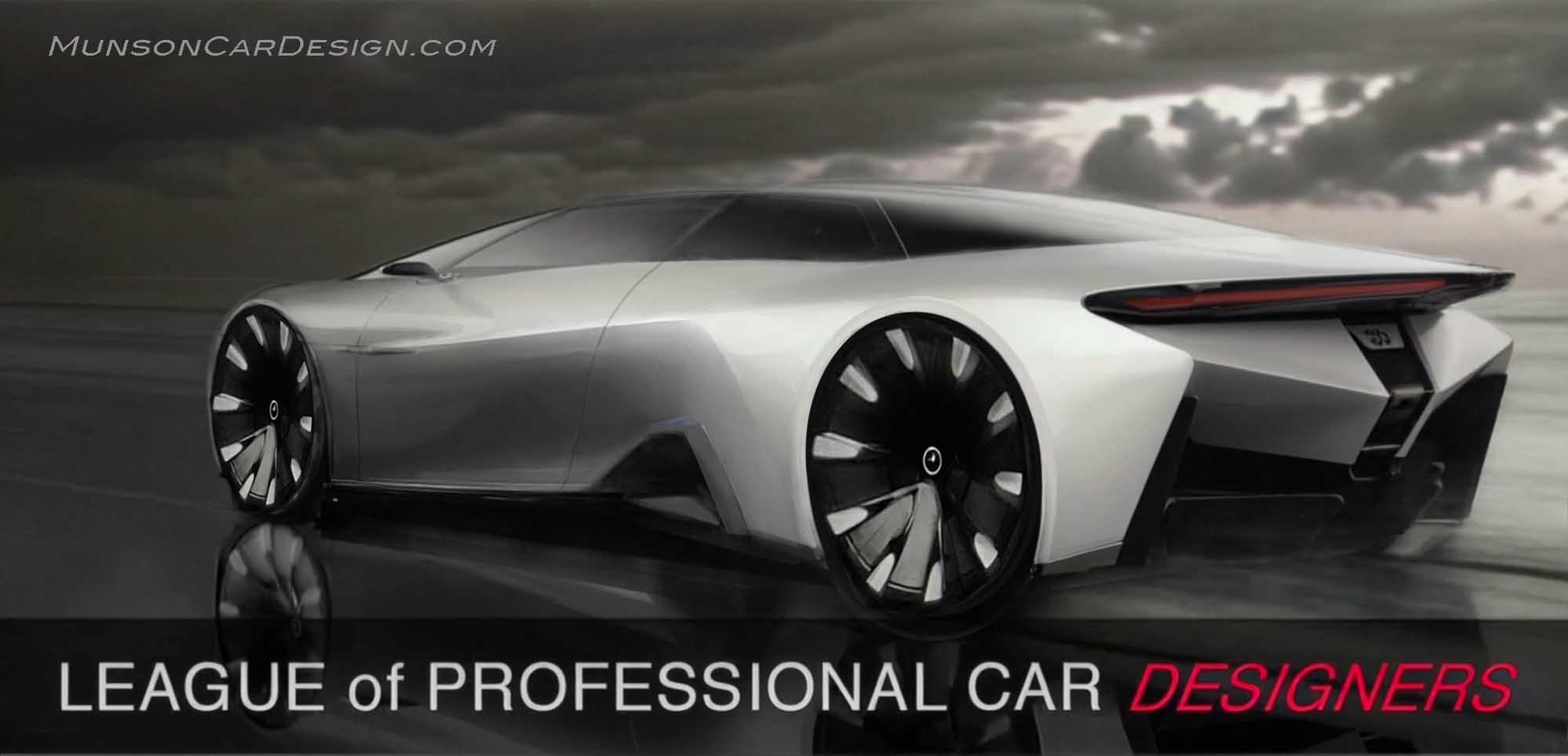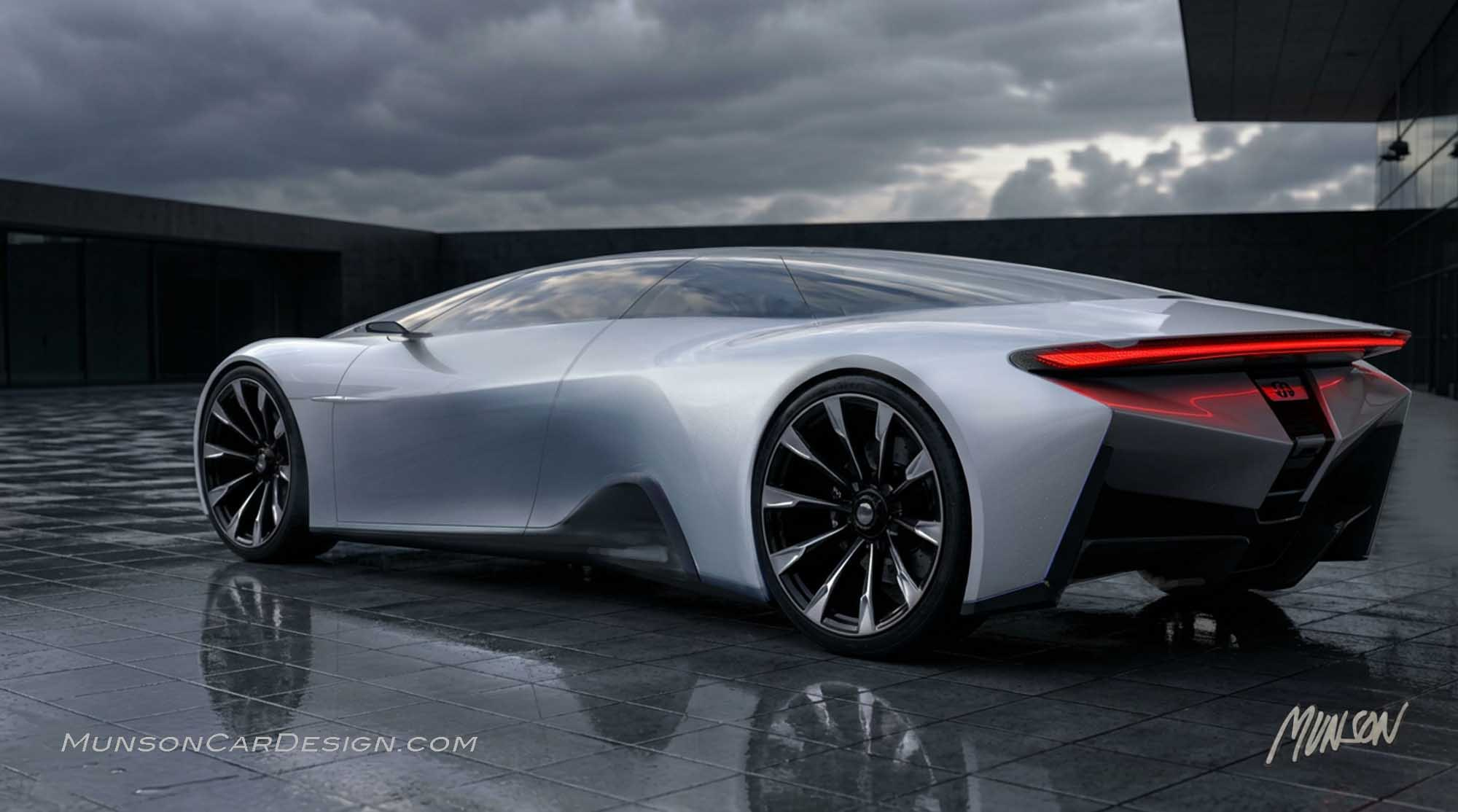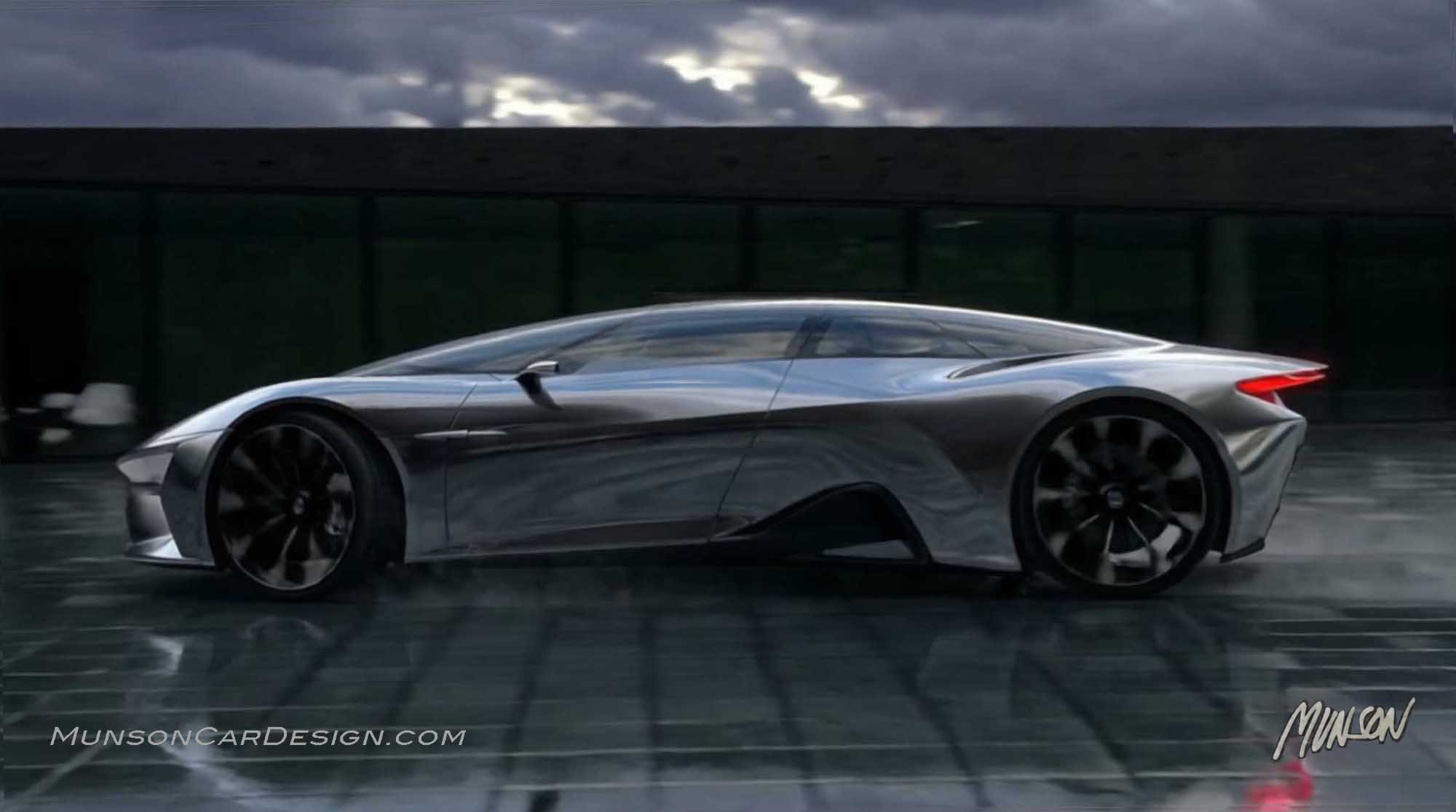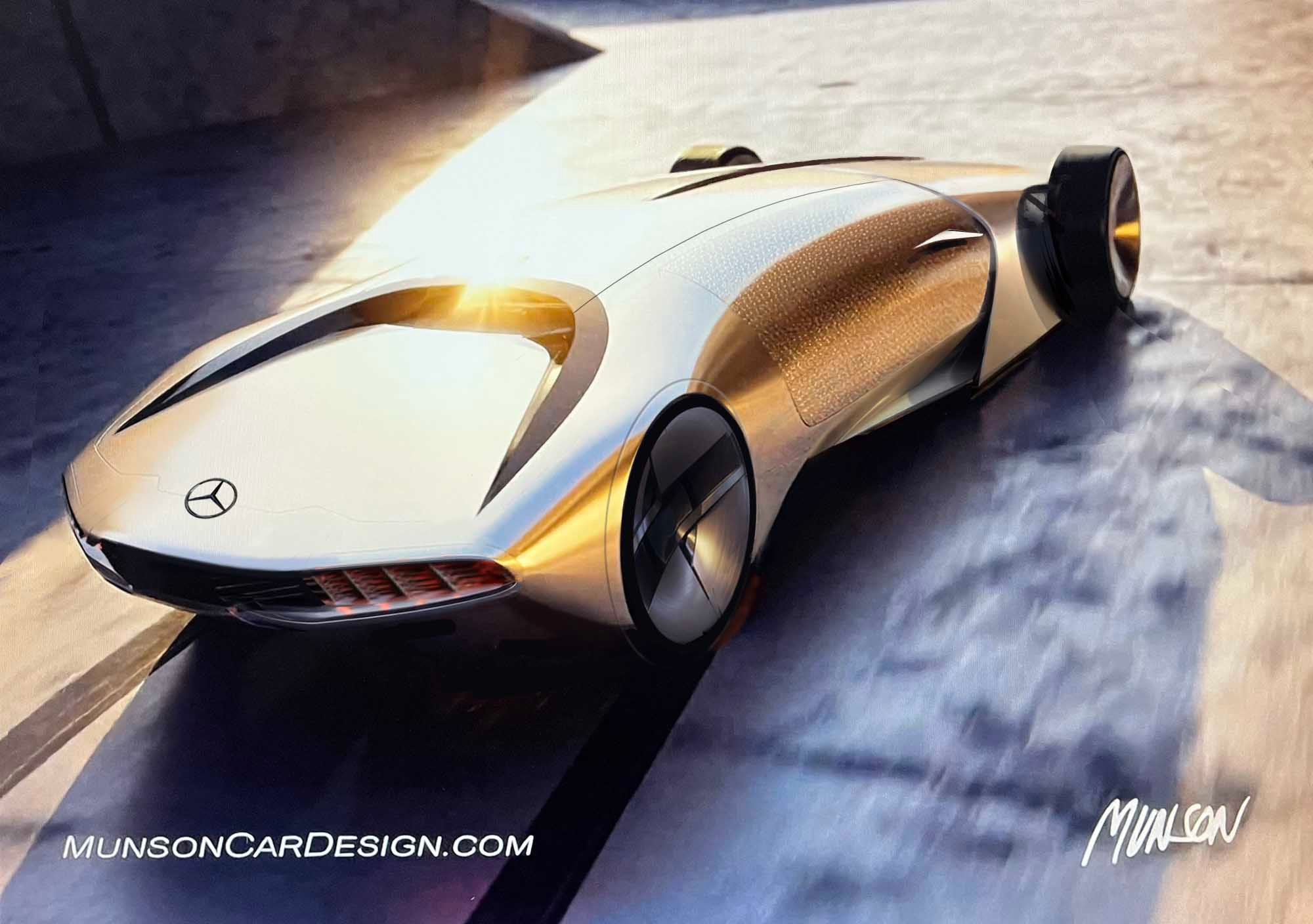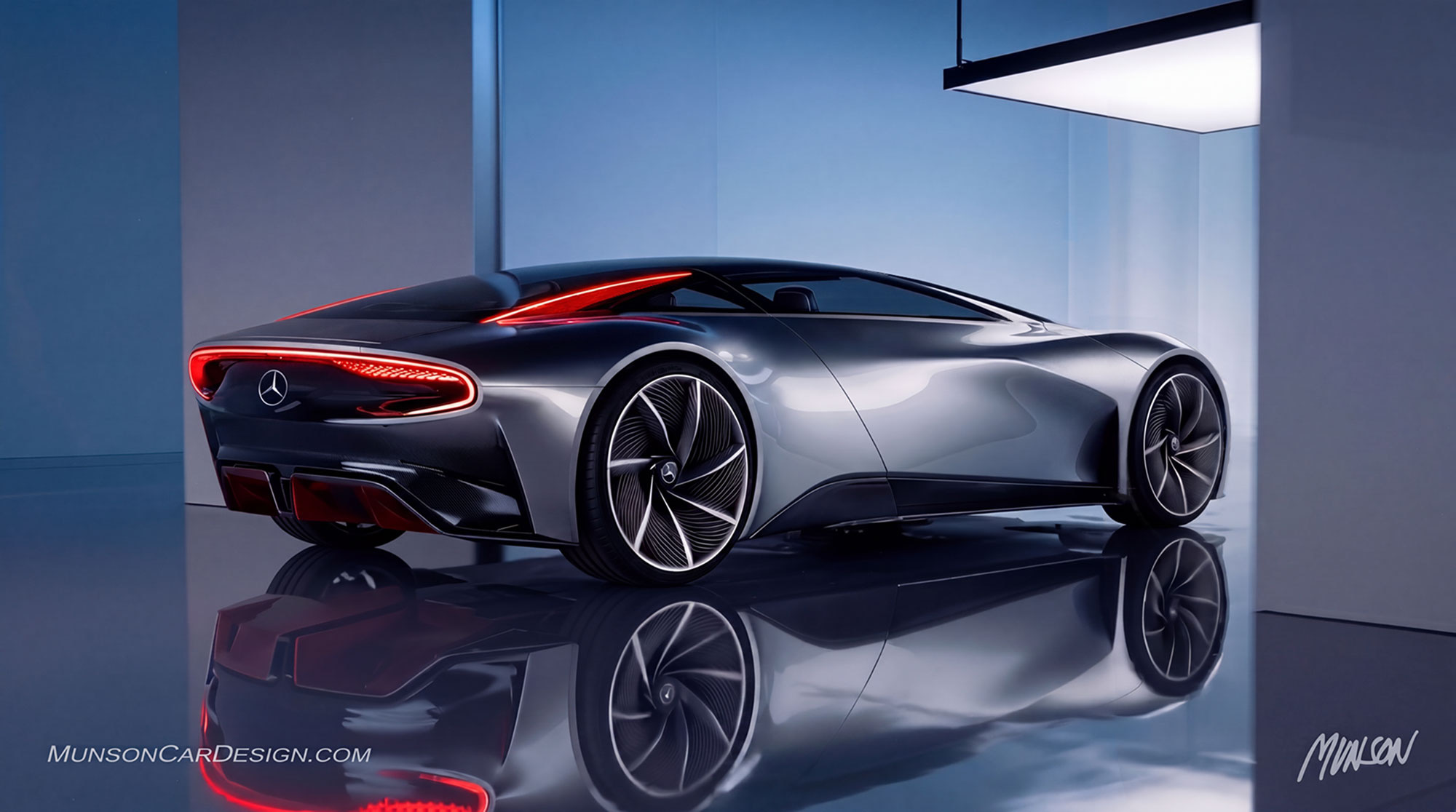
I revisited my league poster feature to continue exploring the rear three-quarter rendering from it. I wanted to apply what I’ve learned using Vizcom’s Instant Render and Animate tools since creating the original sketch.
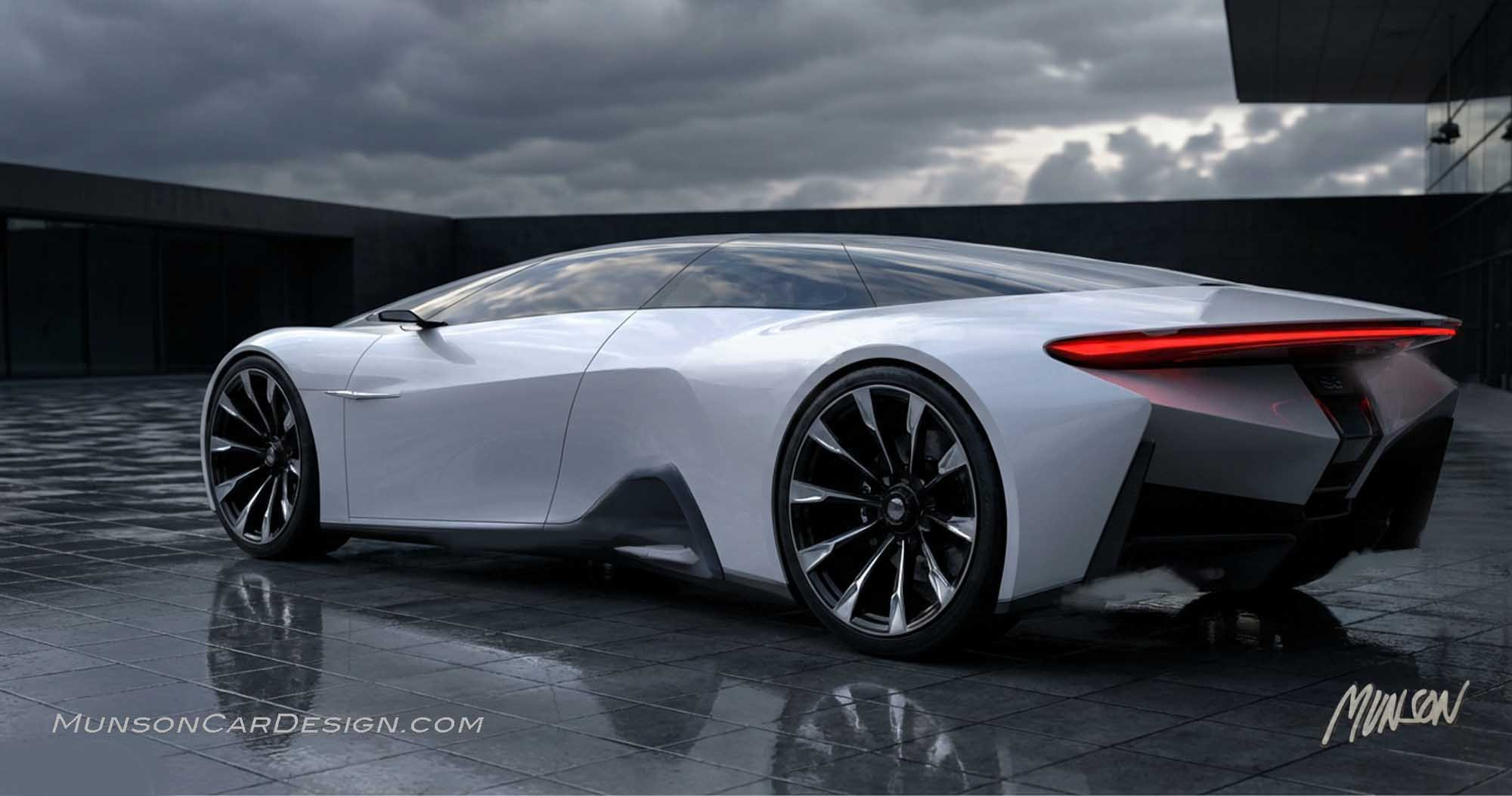
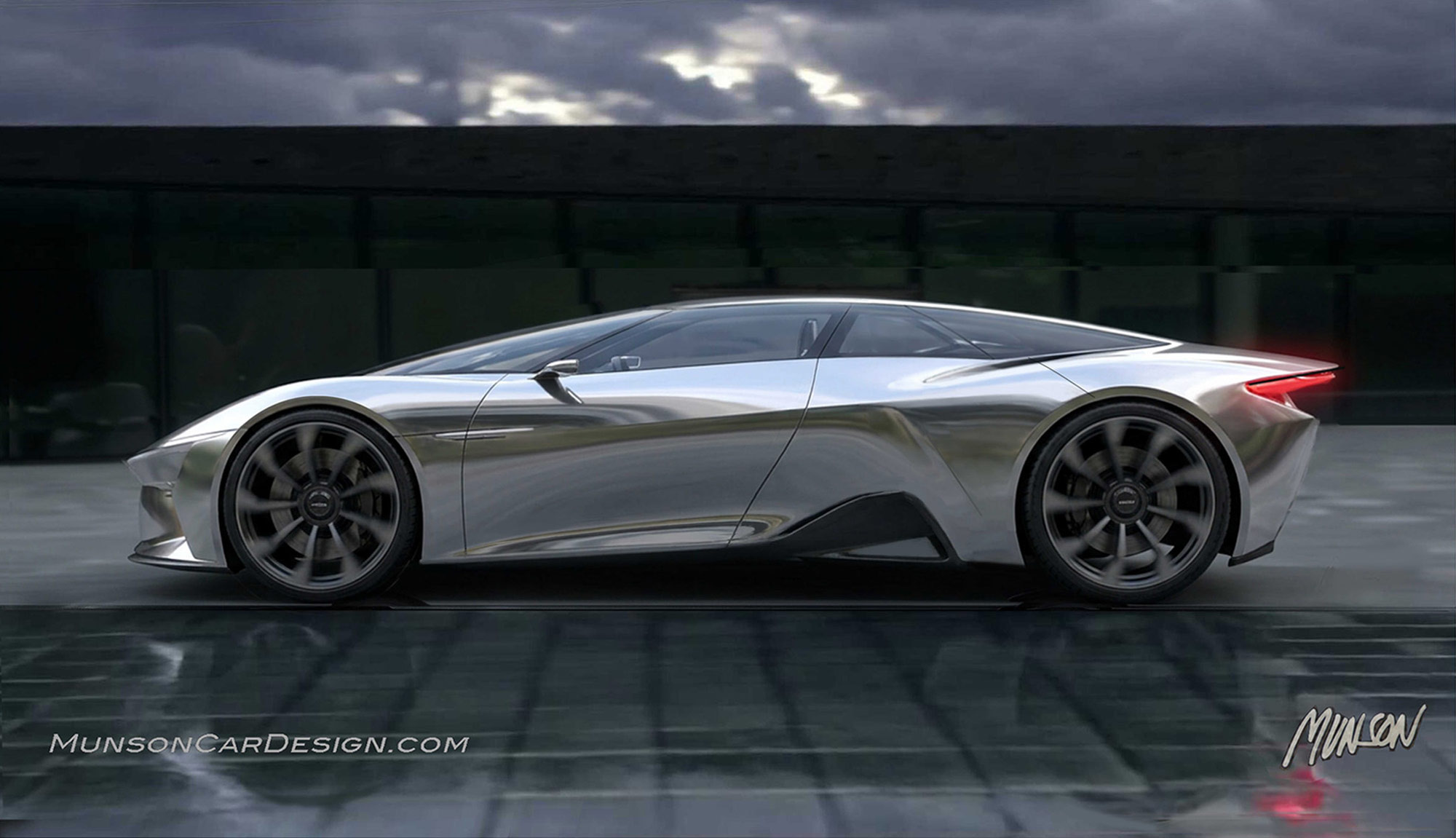
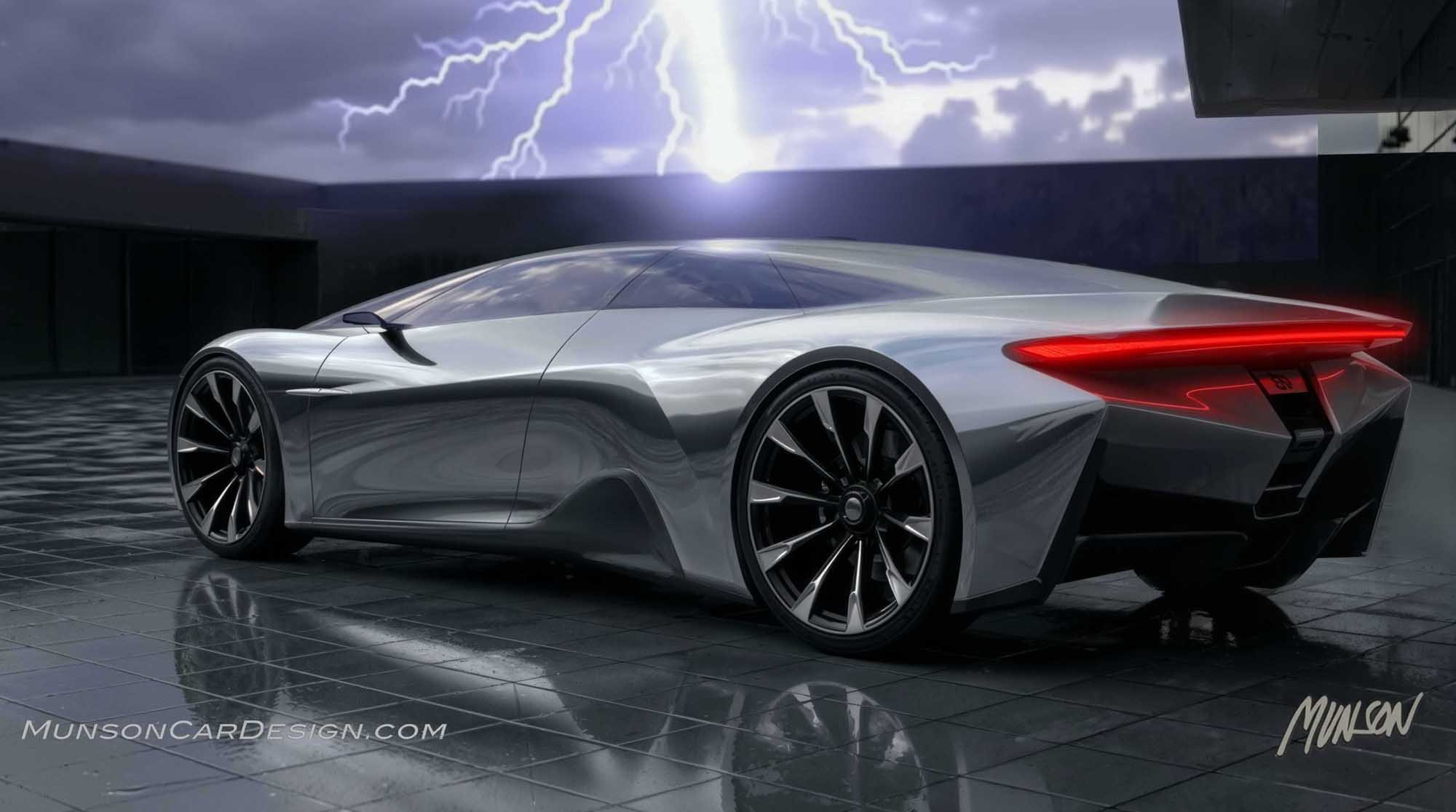
I generated the polished aluminum version in Studio using Modify → Instant Render. This method produces highly realistic and detailed imagery, which I then bring into Photoshop for cleanup. After that, I upscale the image in Topaz Labs Bloom to refine it further before creating videos in Vizcom using Animate.
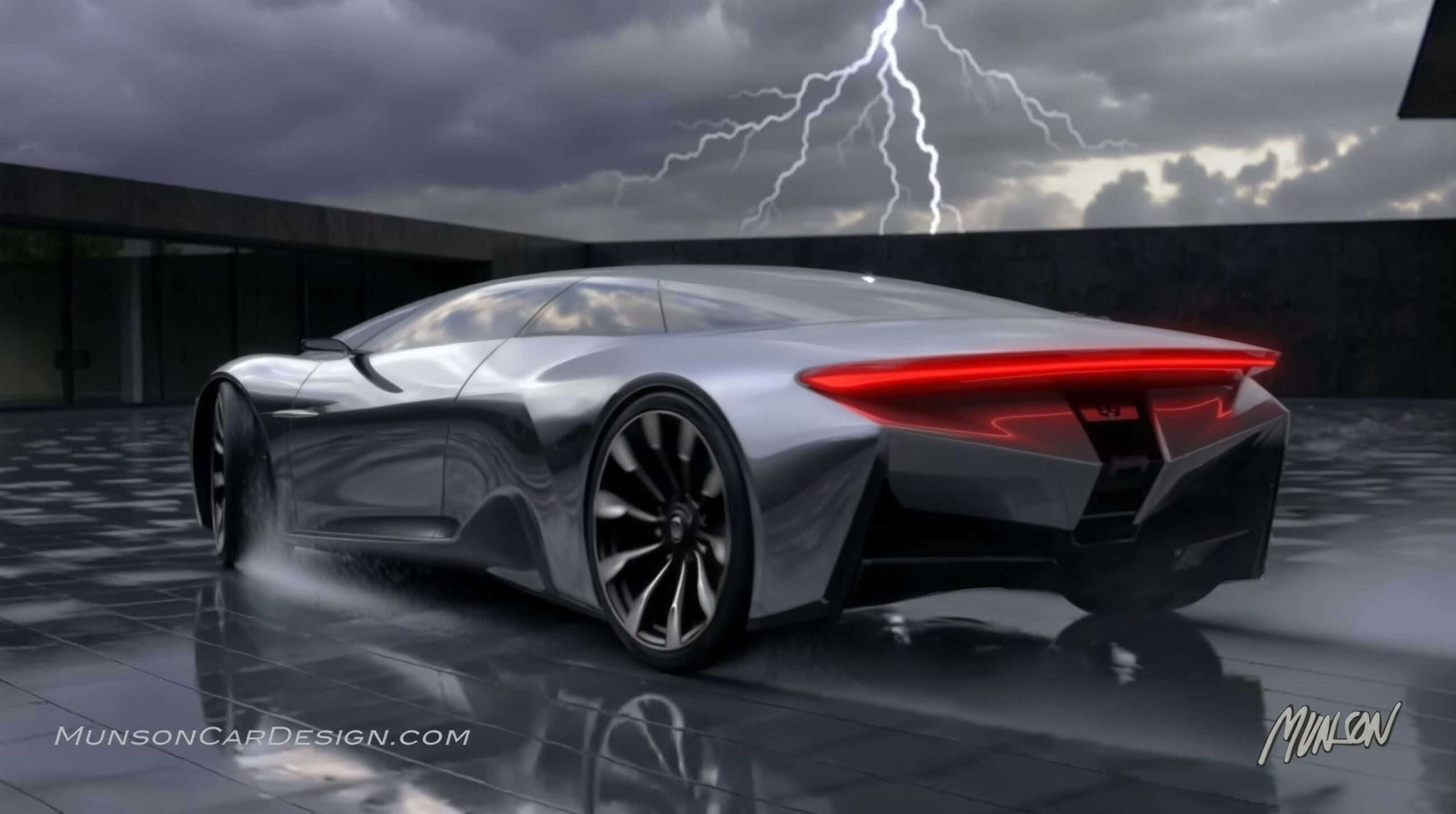
Where I have the most fun with Vizcom is imagining video concepts. For this one, I wanted to try something unexpected. Because the sky in the sketch is so dark, I thought depicting lightning would create a dramatic effect.
Originally, I had the car doing burnouts with smoke pouring off the rear tires. In the end, I felt the lightning was a more original idea—and far more dramatic.
To create a still image from the animation, I right-click on the enlarged video and select “Copy Video Frame.” You can capture a frame from any point along the video. I paste the copied frame into Microsoft Word, save the file as a PDF, and then convert it to a JPG in Photoshop.
I chose not to badge this concept because I wasn’t trying to make it resemble any particular marque. I enjoy the freedom of exploring forms without the usual brand constraints.
The design is clearly mid-engine, with the large air intake positioned ahead of the rear wheel. However, the upper body volume is larger than what a typical two-seat layout would require. Since I like the proportions as they are, I rationalized it as a 2+2. Not necessarily the most practical configuration—but then again, why not?