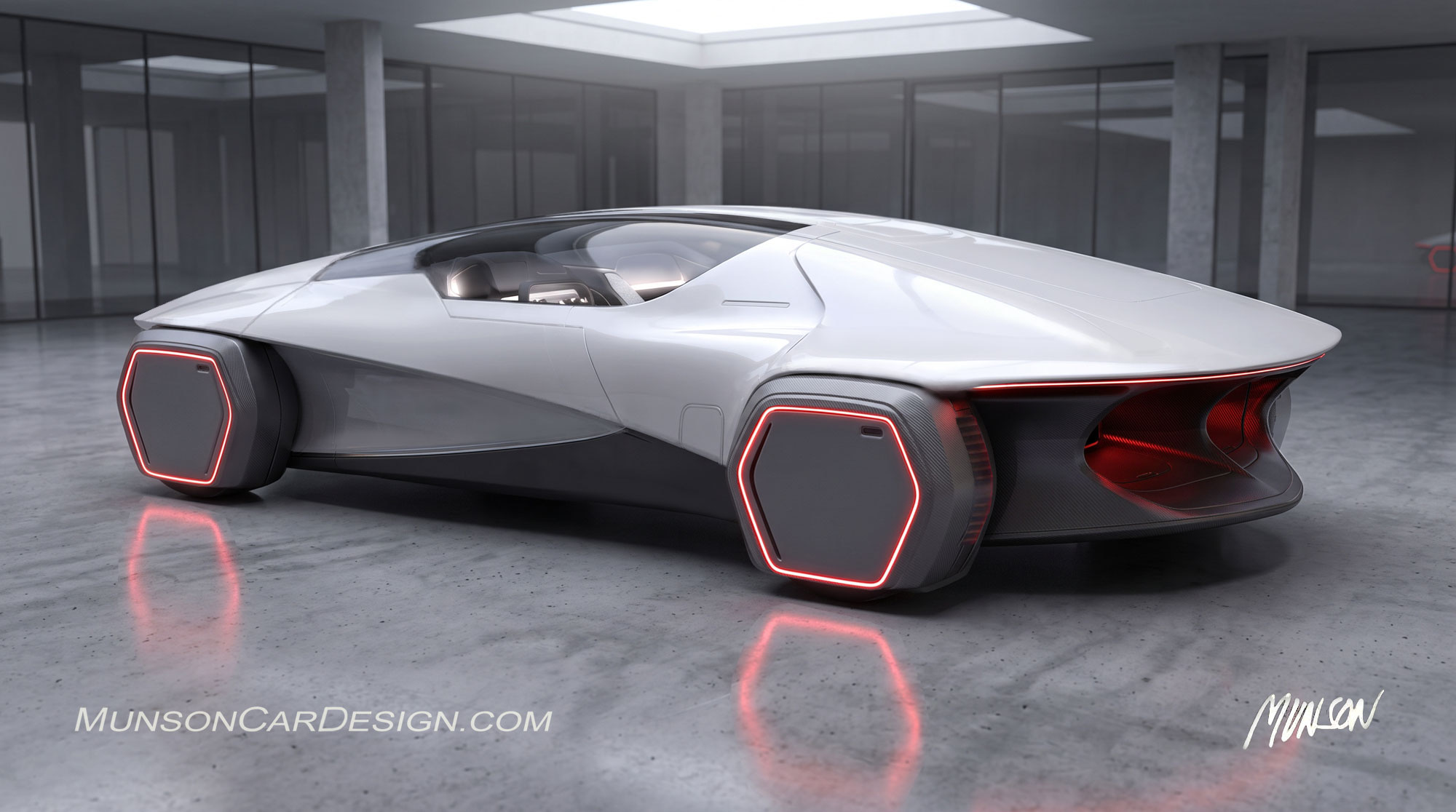
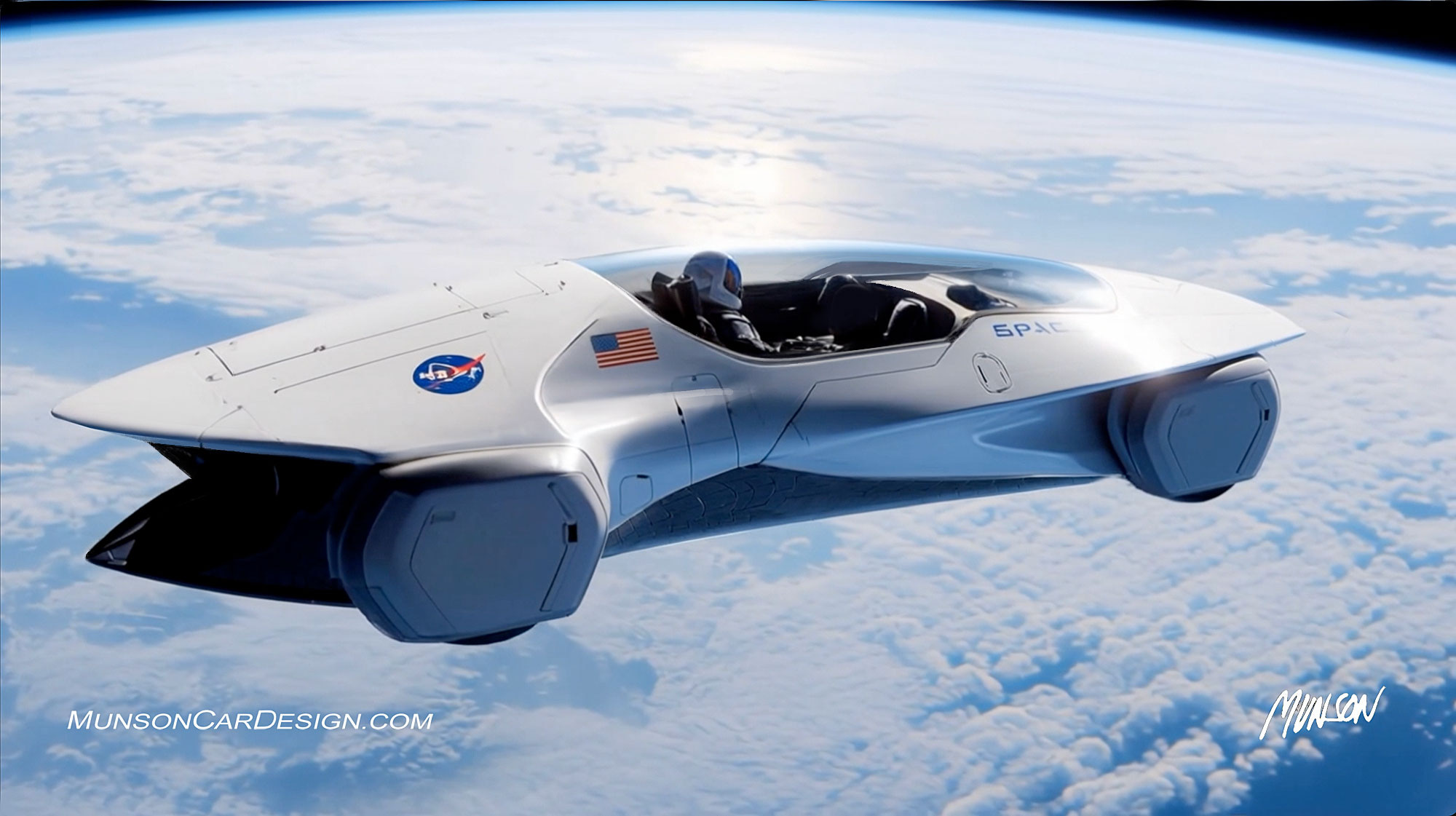
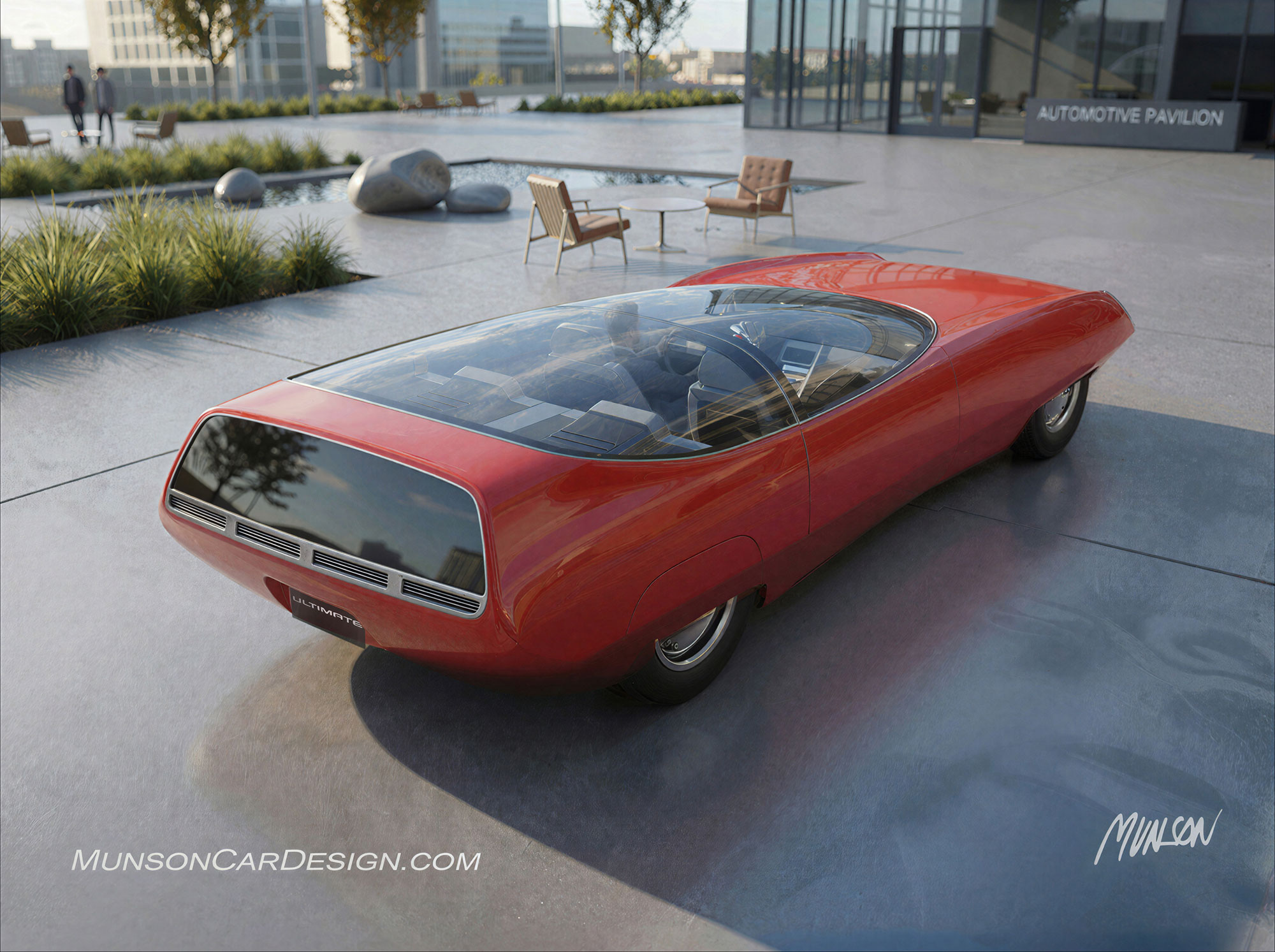
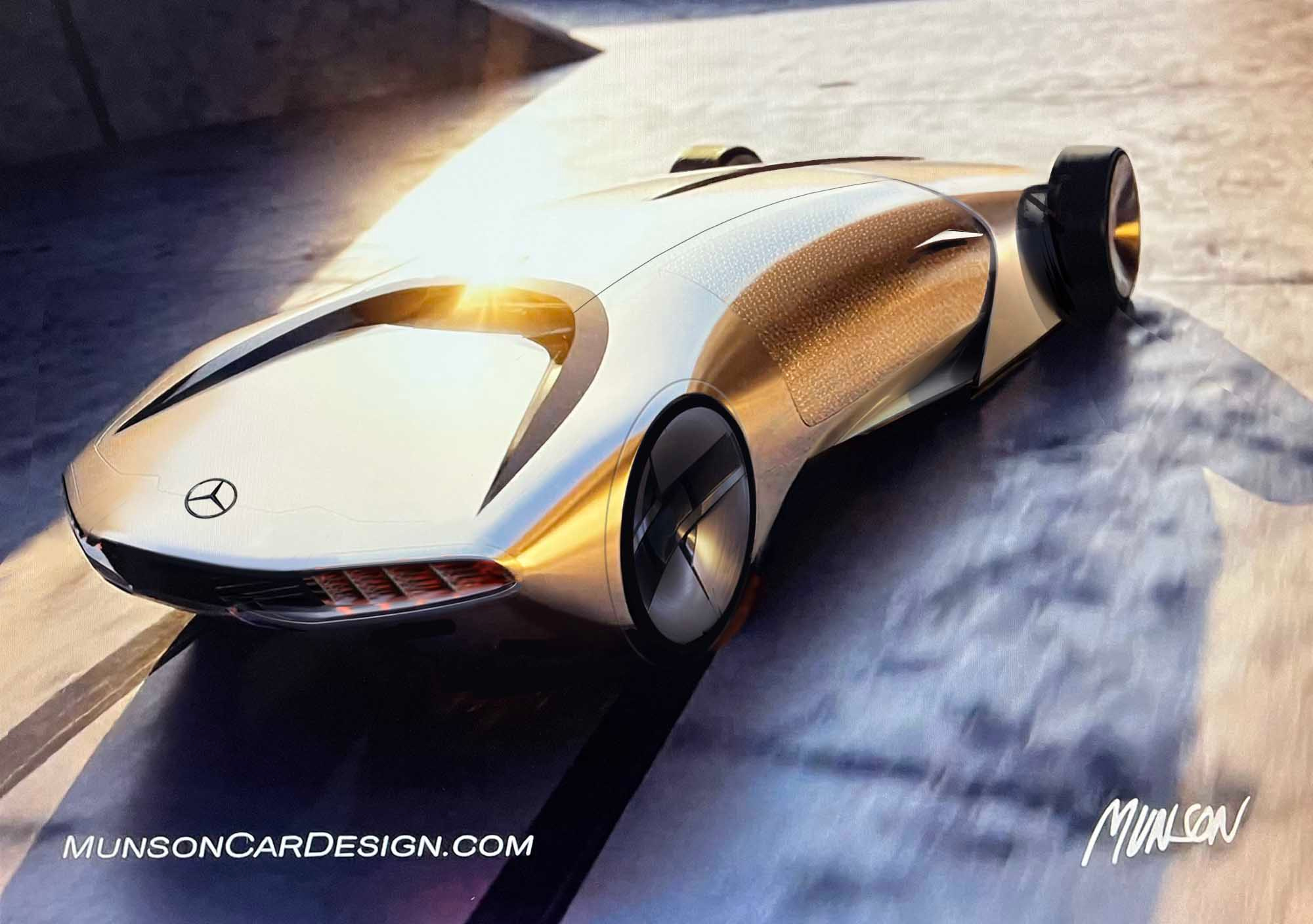
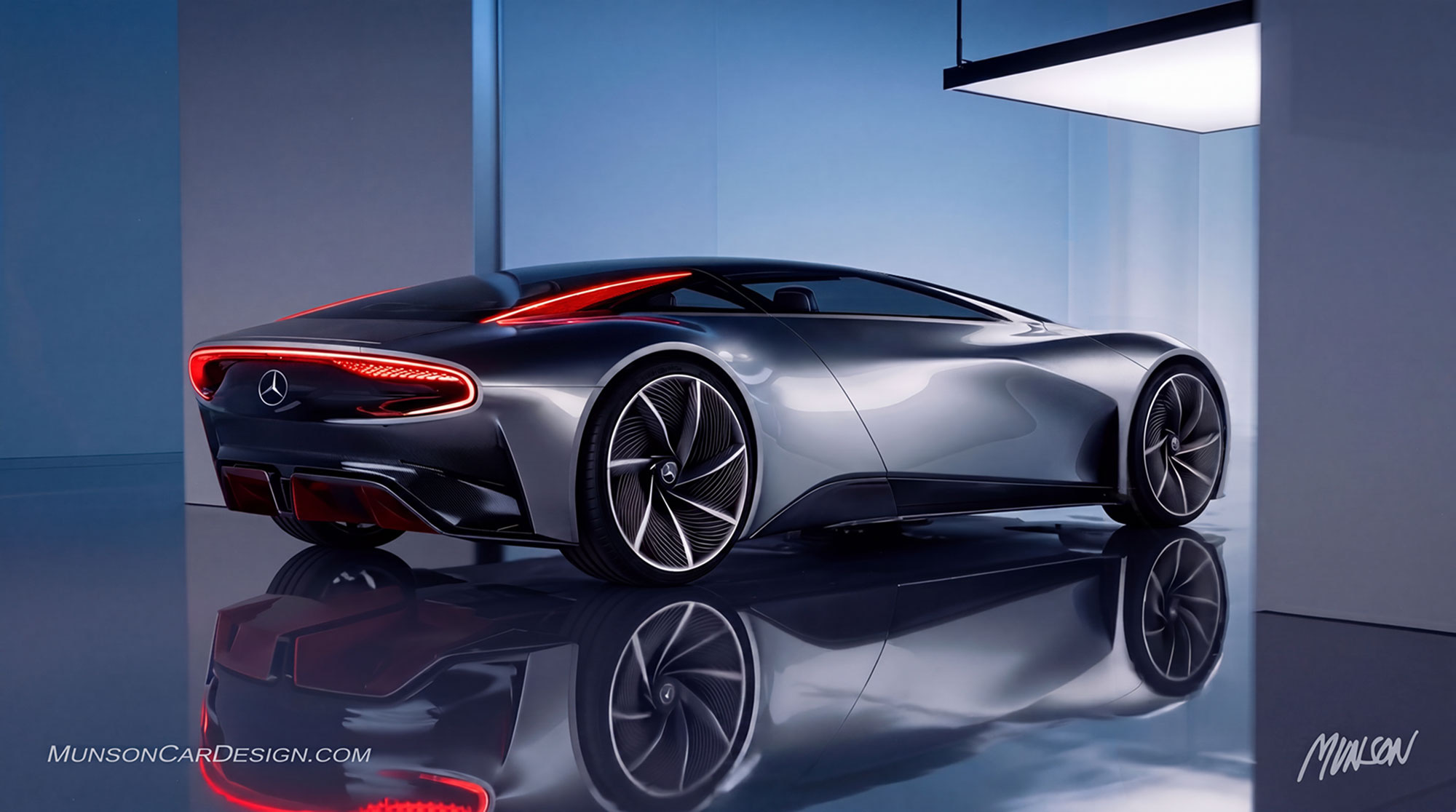
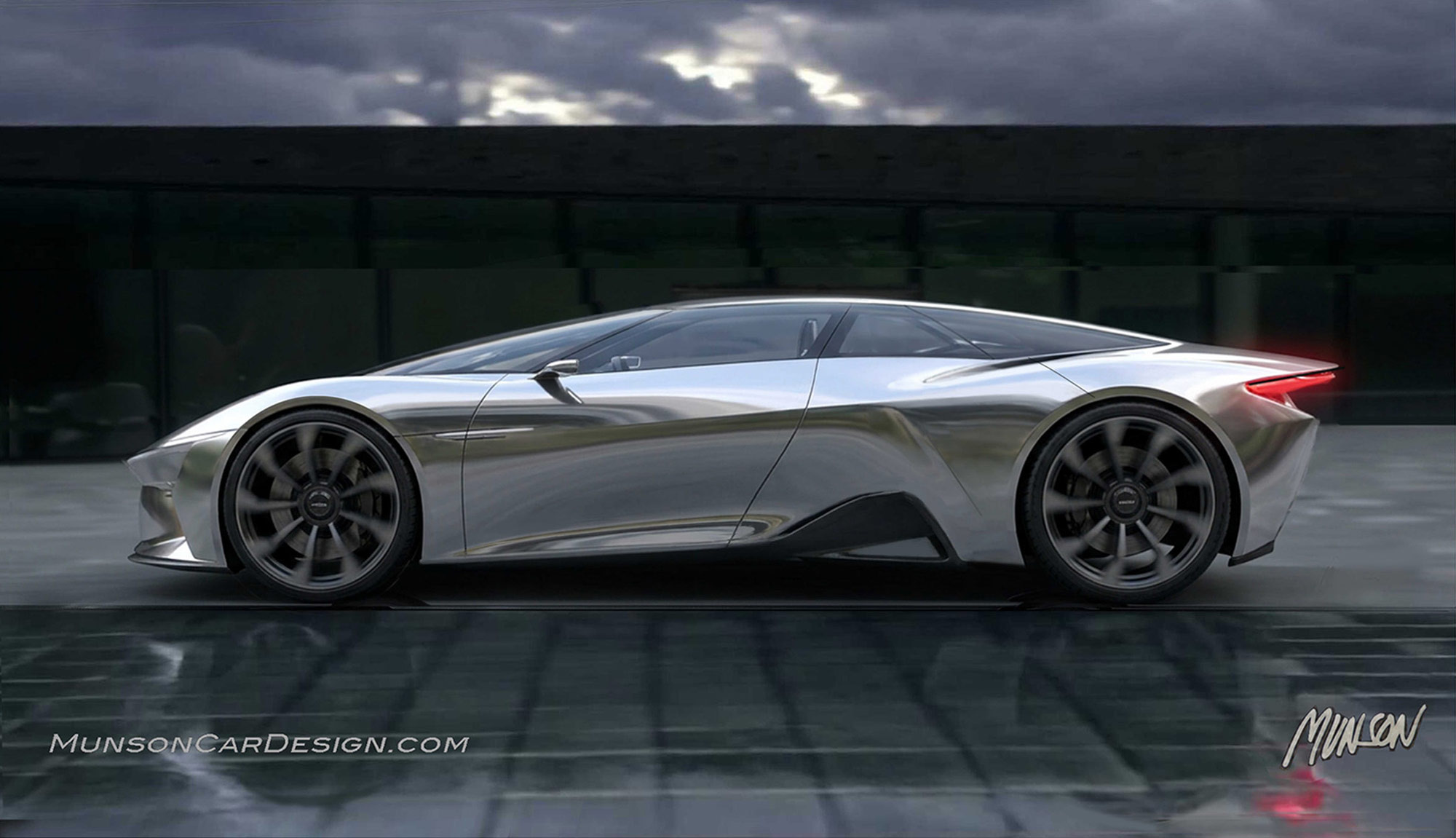
My car design is back in space! I’ve been experimenting with Vizcom’s Make 3D feature and have finally figured out how to generate quality 3D mesh from my 2D car designs. Even better, I can rotate the resulting mesh to view the car from virtually any angle. So, naturally, I had to bring that dramatic featured view of the car back into space!
I’ve included several views of the latest raw 3D mesh. I have to admit, I did a little cleanup in Photoshop to improve some of the images. I’m still not entirely happy with what Make 3D can produce, even using its highest-fidelity setting, Max. There’s definitely room for improvement!
One limitation is that I can’t directly manipulate the mesh inside Vizcom. However, I’ve discovered that I can get some pretty decent results by feeding it very detailed 2D images. It accepts up to five images at a time when generating a 3D model. The trick is making sure all five views are consistent with one another. The better the reference images, the better the resulting mesh.
To really finish this model properly, I’ll eventually need to separate the mesh into the main car body and its four individual fenders. That will allow me to work on the surfaces independently and clean up the geometry.
Vizcom offers several 3D export formats, including STL, OBJ, FBX, GLB, and USDZ. OBJ is a good choice for taking the model into another program, such as Blender, where I can do more extensive editing. Choosing Quad topology during export also helps produce geometry that’s better suited to further manipulation.
There’s another exciting possibility! Our Rochester Hills library has a 3D resin printer that accepts STL and OBJ files. I’m hoping that, once I get this model cleaned up and separated into the proper components, I might actually be able to print a physical version of my design. Now that would be fun!
I also created quite a few renderings in Vizcom using the new 3D mesh. I can change the viewing angle and even adjust the focal length to create some really dramatic perspectives. I couldn’t decide which ones I liked best, so I just included them all!
When developing these images, I tried to imagine the kinds of futuristic designs that Bill Mitchell might have appreciated back in the 1960s at GM Styling. I think there’s an interesting combination of retro styling and futuristic imagination going on here. At least, that’s how I see it!
Just for fun, I had the car blast off into space. If the Tesla Roadster can have thrusters, why not this car? I used Vizcom Animate to generate the AI video.
I’m always challenging myself to learn something new and push my abilities further when it comes to automotive design and illustration. Vizcom and other software are opening up some exciting possibilities, and I’m enjoying discovering what they can do.
For me, creating a 3D model is the ultimate expression of an automotive design form. It’s one thing to draw a car from a particular perspective, but it’s something else entirely to be able to turn it around, examine its shape from every angle, and eventually bring it into the physical world.
There’s still plenty to learn, but that’s part of the fun!